Mail and calendar on your organisation’s domain
Emails, meetings and colleagues’ contacts in one tab. Data stays in Uzbekistan.
UZS 14,900 per user per month
What’s inside
-
Your domain
Addresses like name@company.uz
-
Several mailboxes
Personal and shared ones in one window
-
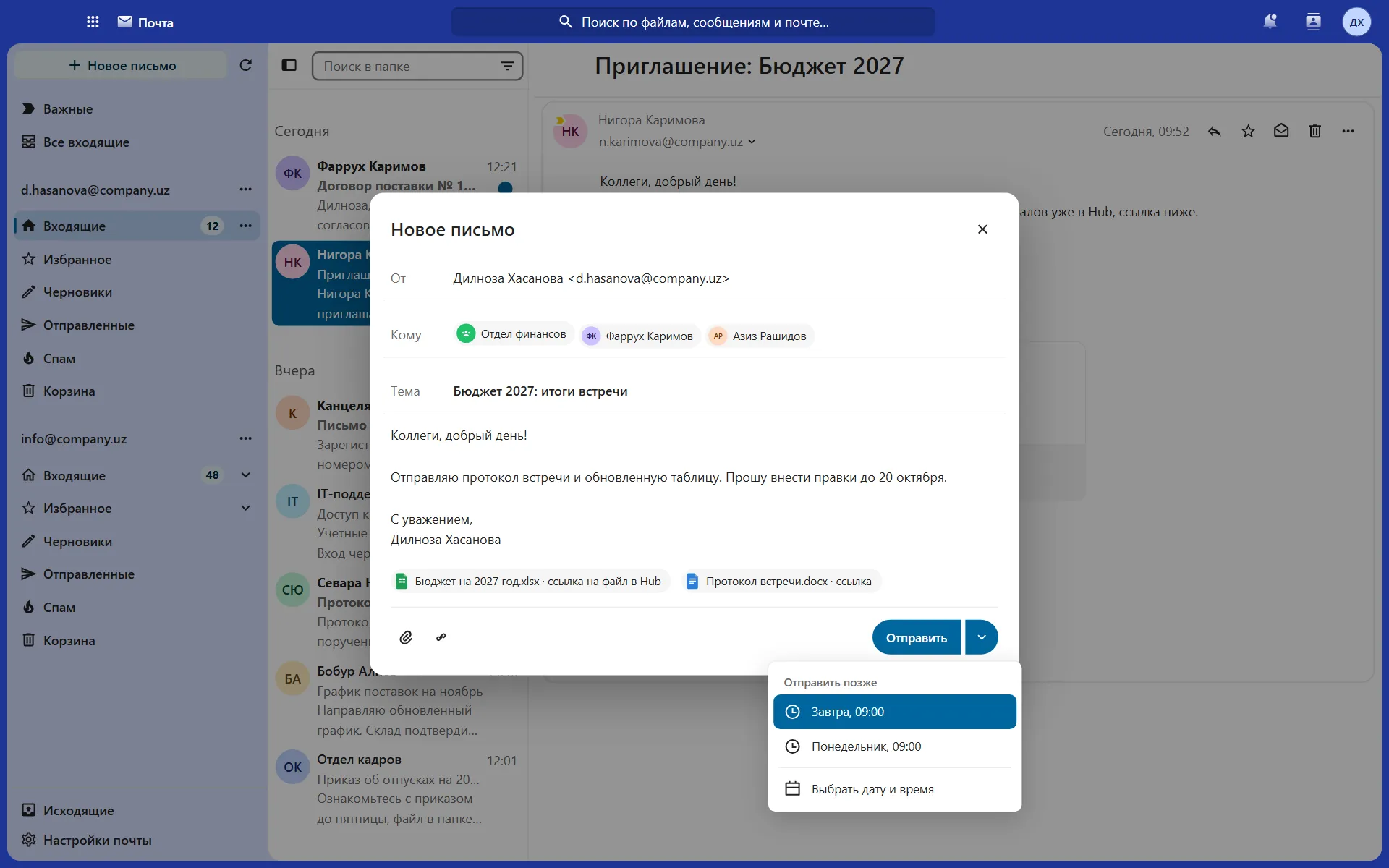
Scheduled sending
The email goes out at the right time
-
Delegation
An assistant replies and keeps your calendar for you
-
Find a time
Every participant’s free slots in one grid
-
Company contacts
All colleagues with their work details
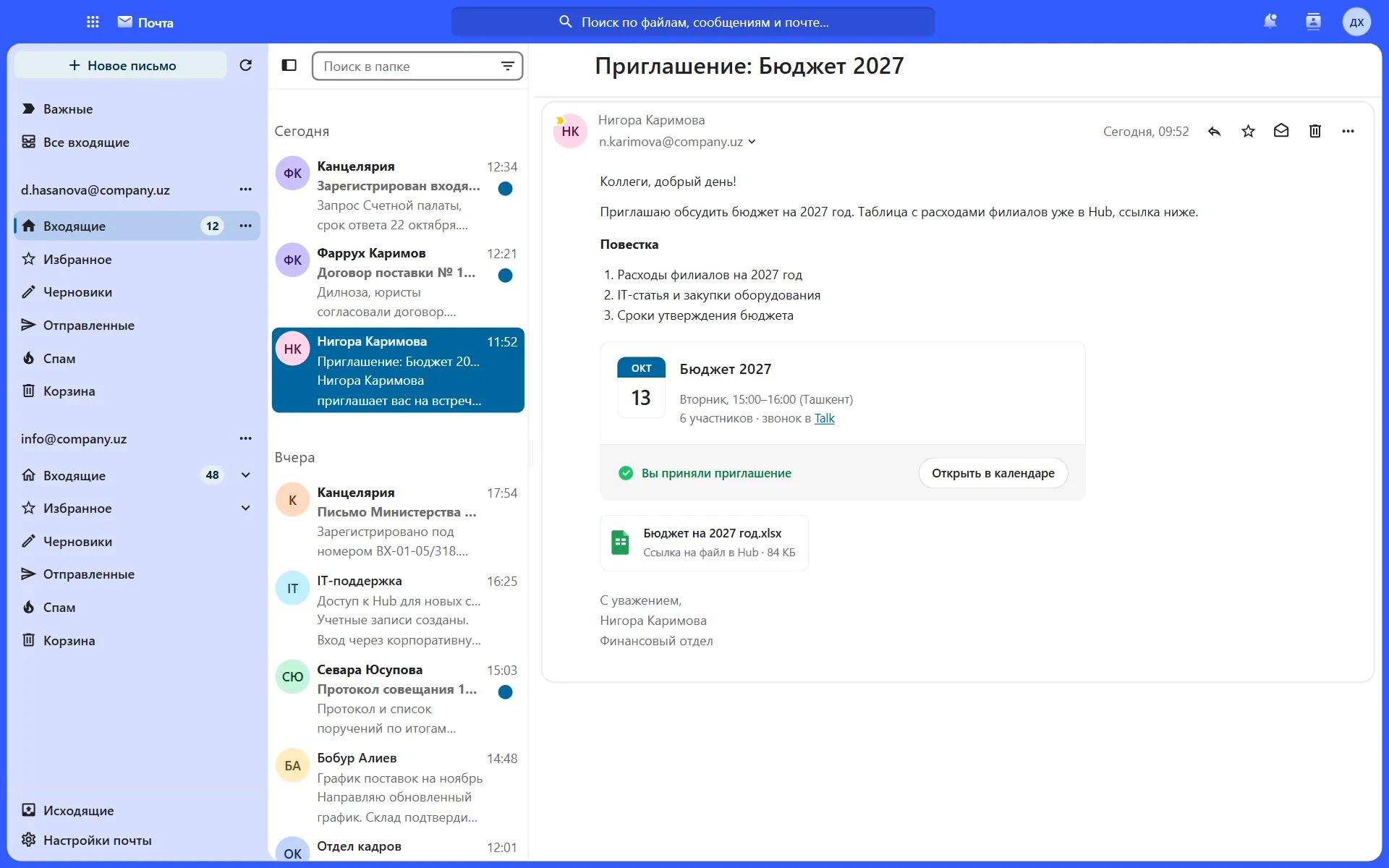
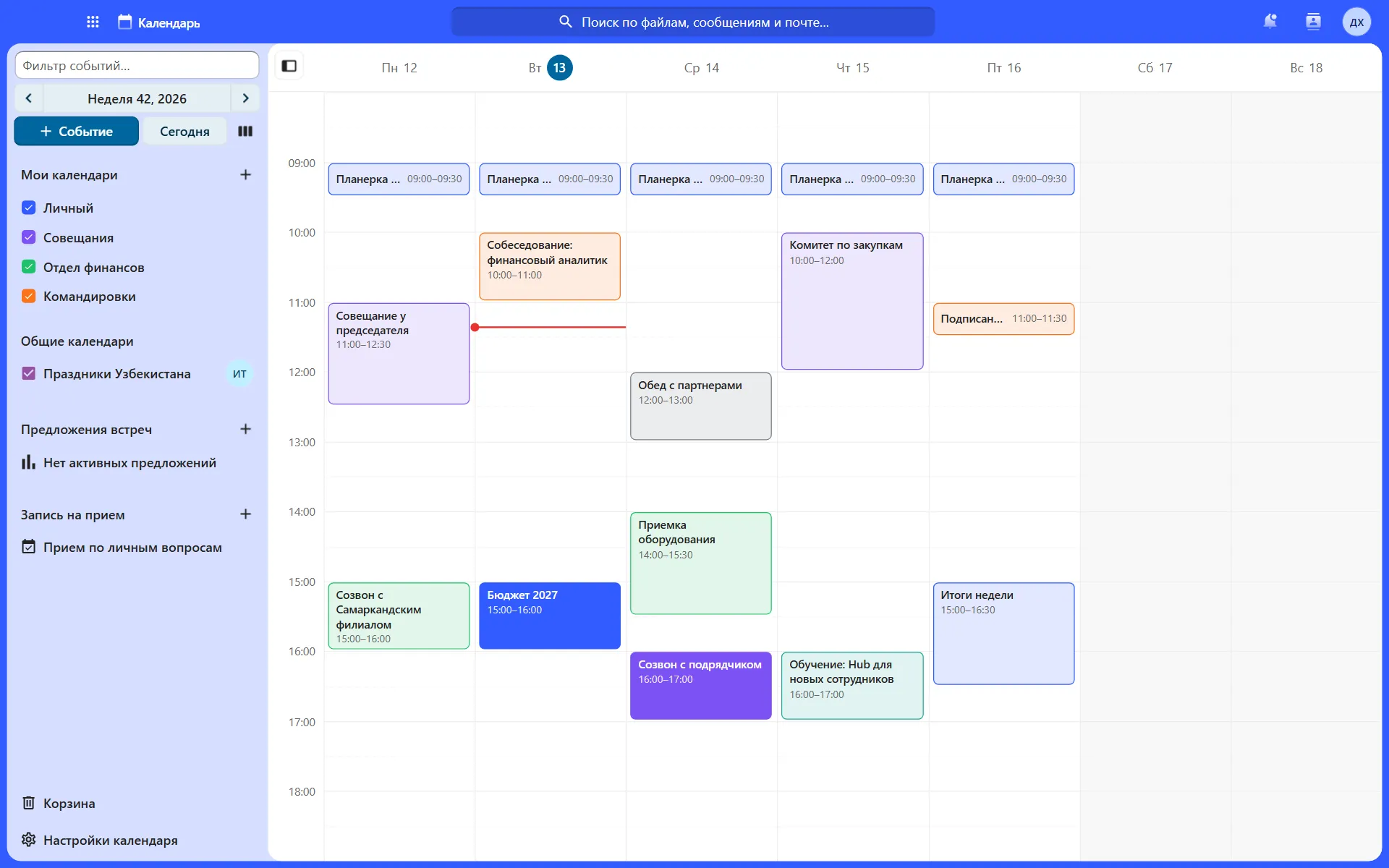
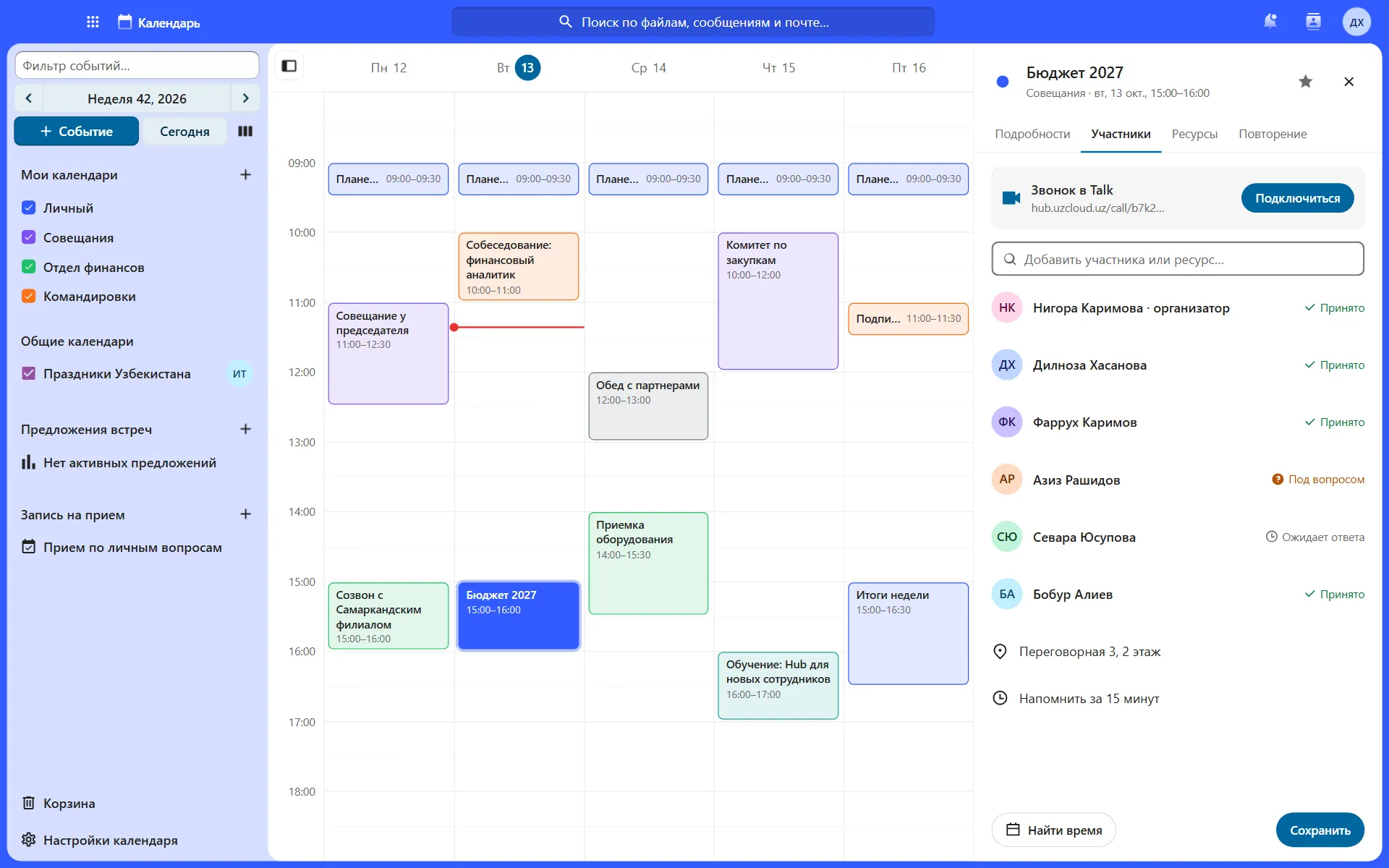
Take a closer look at mail and calendar
Real screens with sample data.
Who it is for
Banks and finance
Client correspondence stays in the country
Government bodies
Mail with no foreign dependencies
Remote teams
A shared schedule and meetings from email
Moving from another mail service
We move emails, contacts and calendars
Team calendar
A meeting with a call link in a few seconds.
A time that suits everyone, at a glance
Add participants and the calendar shows the free slots.
Find a time · Wednesday, 14 October
5 participants
Example with sample data.
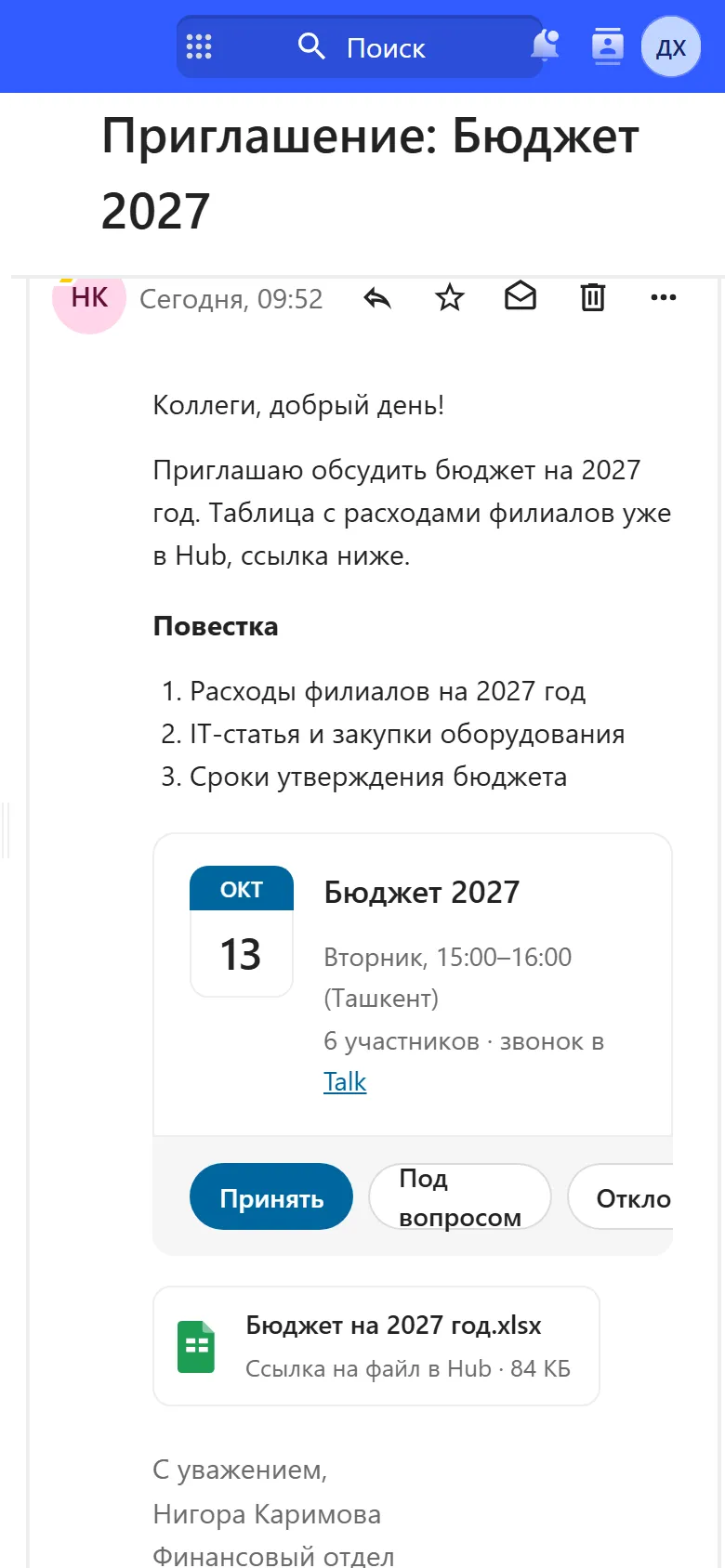
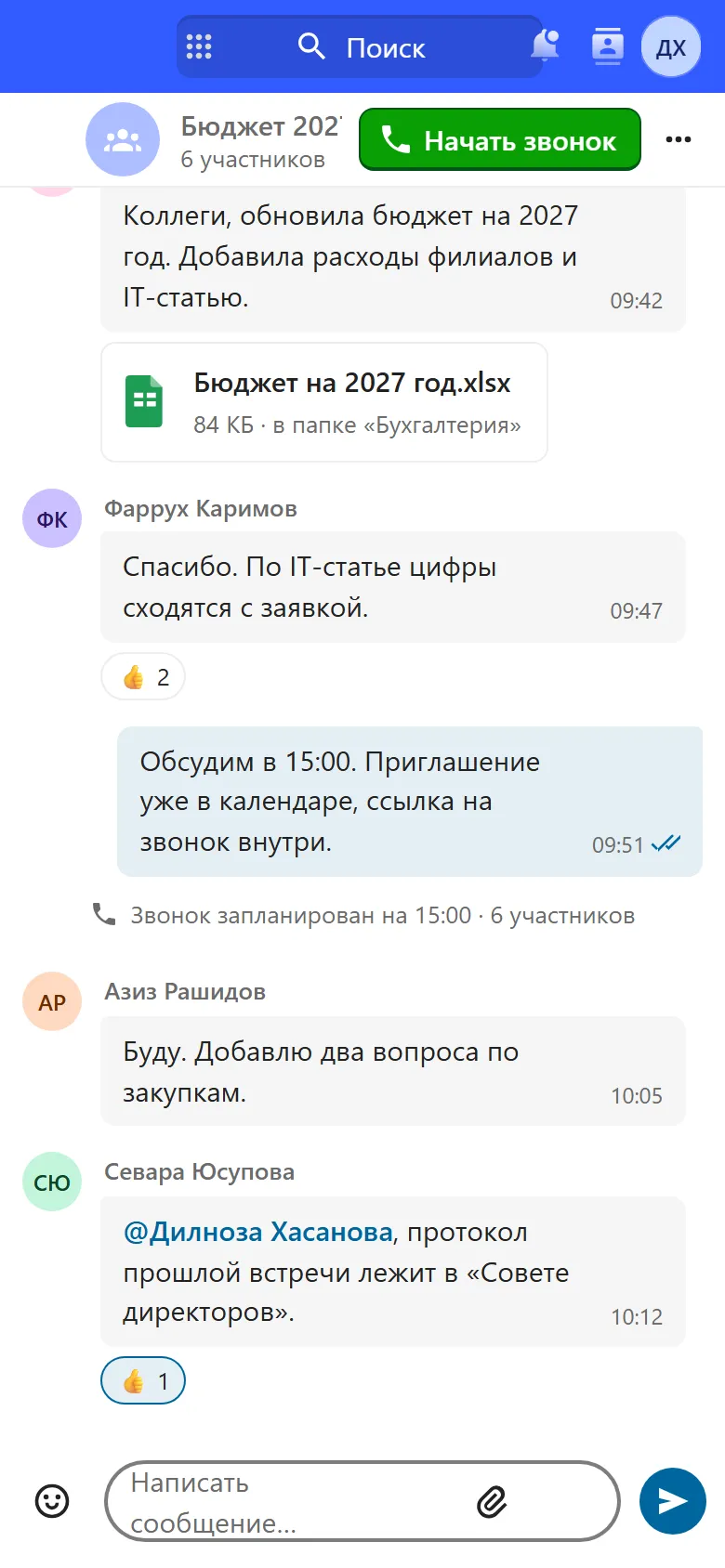
Mail and calendar on your phone
Hub works in a phone browser, with nothing to install.
Works with the other modules
One sign-in, one set of permissions, shared files.
Price
UzCloud Mail with Calendar
UZS 14,900
per user per month, excl. VAT · mail, calendar and contacts
The whole UzCloud Hub
UZS 84,900
Talk, Files, Office, mail, calendar and password manager
Questions
Can we keep our domain?
Yes. Mail will be on your domain. We set up DNS, MX records and certificates during implementation.
How do we move mail from our current service?
We move emails, contacts and calendar events. A pilot for 50 users usually takes 4–5 weeks.
Can we accept invitations from other services?
Yes. You accept an invitation from an email in one click, the event appears in the calendar and the reply goes to the organiser.
What happens when an employee leaves?
The administrator blocks the account, and access to mail, calendar and files closes at once.
Can we run a shared department mailbox?
Yes. A shared mailbox connects in the same window, and an assistant can reply on behalf of the head.
How does Find a time work?
Add participants and the calendar shows everyone’s availability in one grid. Pick a free slot and the meeting is created.
We show mail and calendar in 30 minutes
A meeting from an email, Find a time and a file by link, on your own example.