Work chat and video calls inside your organisation
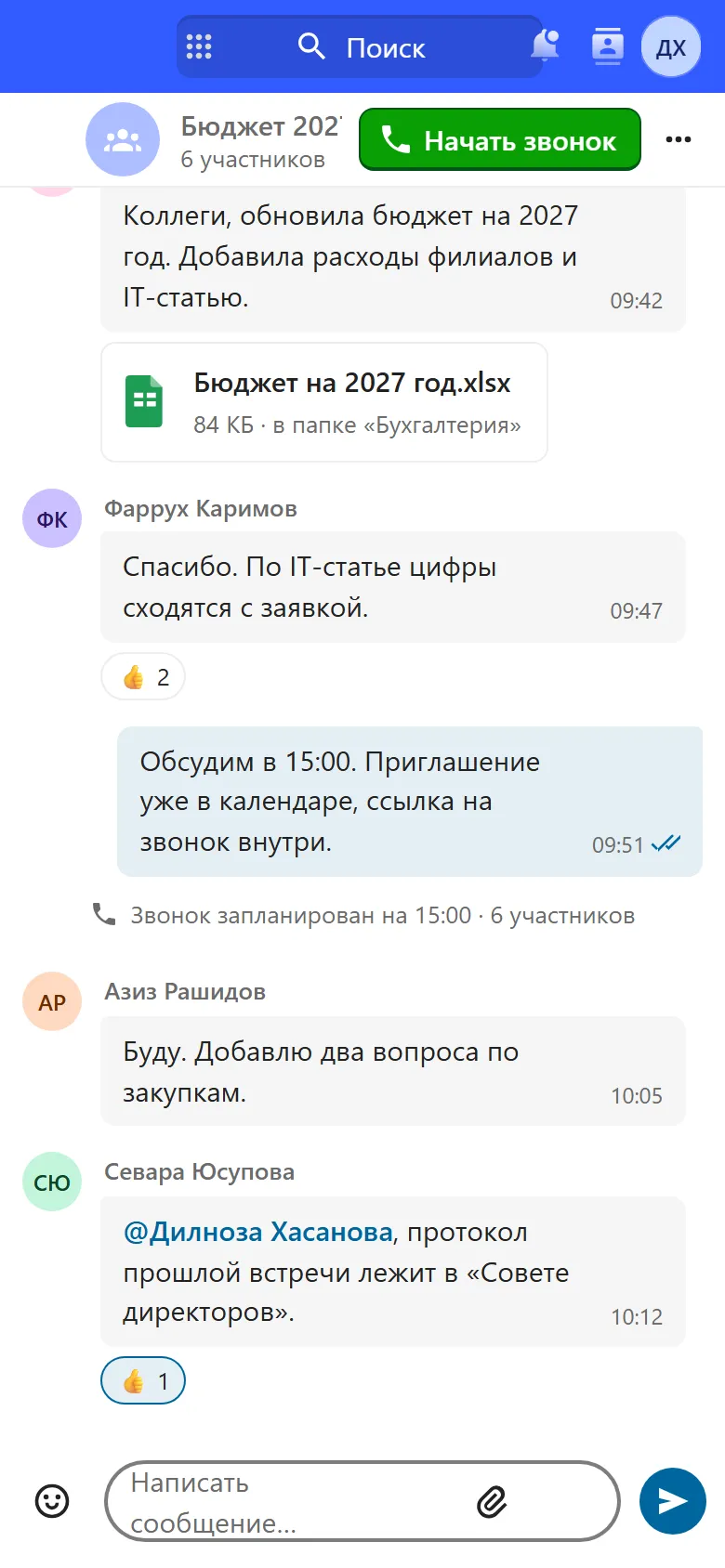
Department channels, calls and meeting recording. Messages stay in Uzbekistan.
UZS 15,900 per user per month
What’s inside
-
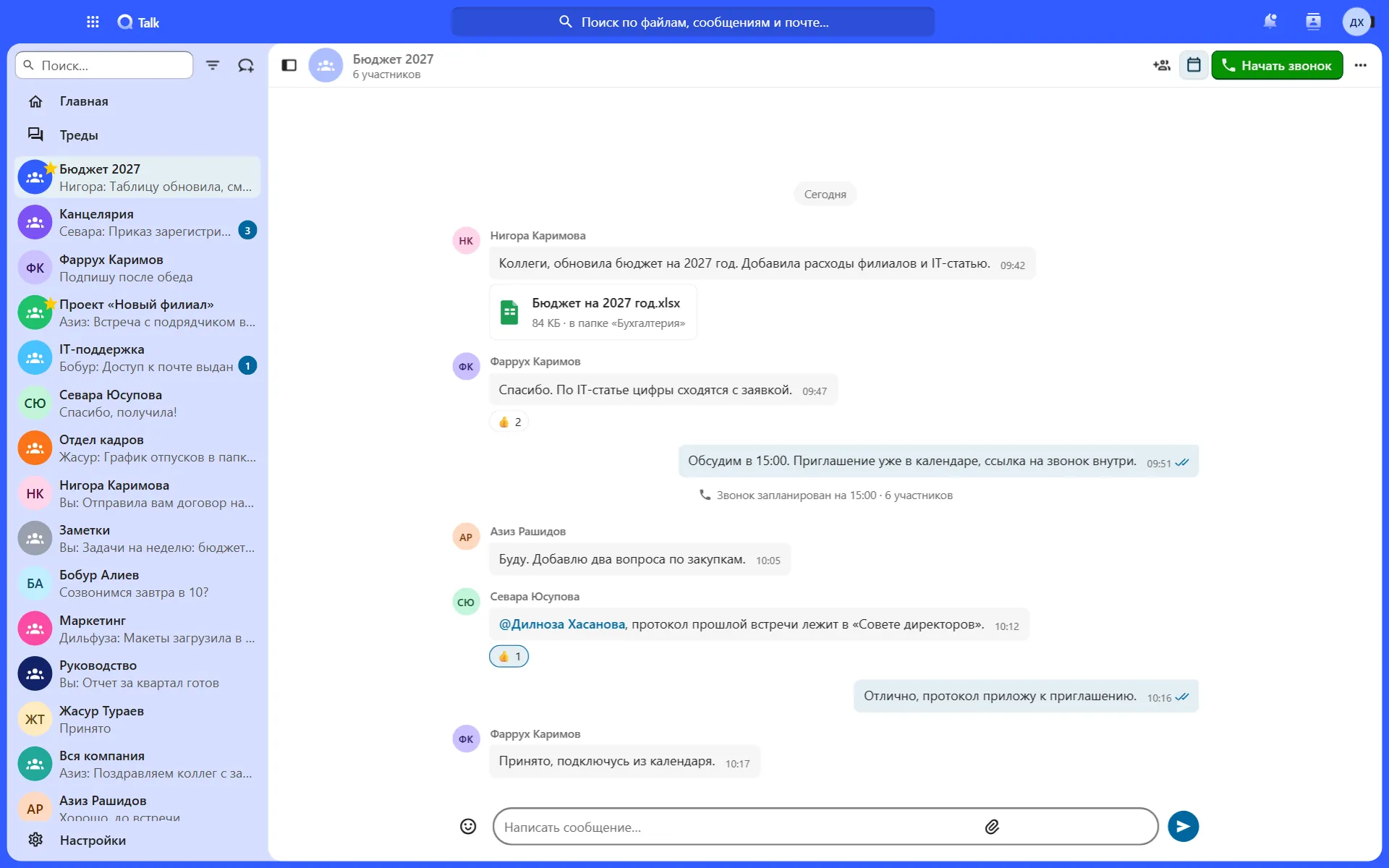
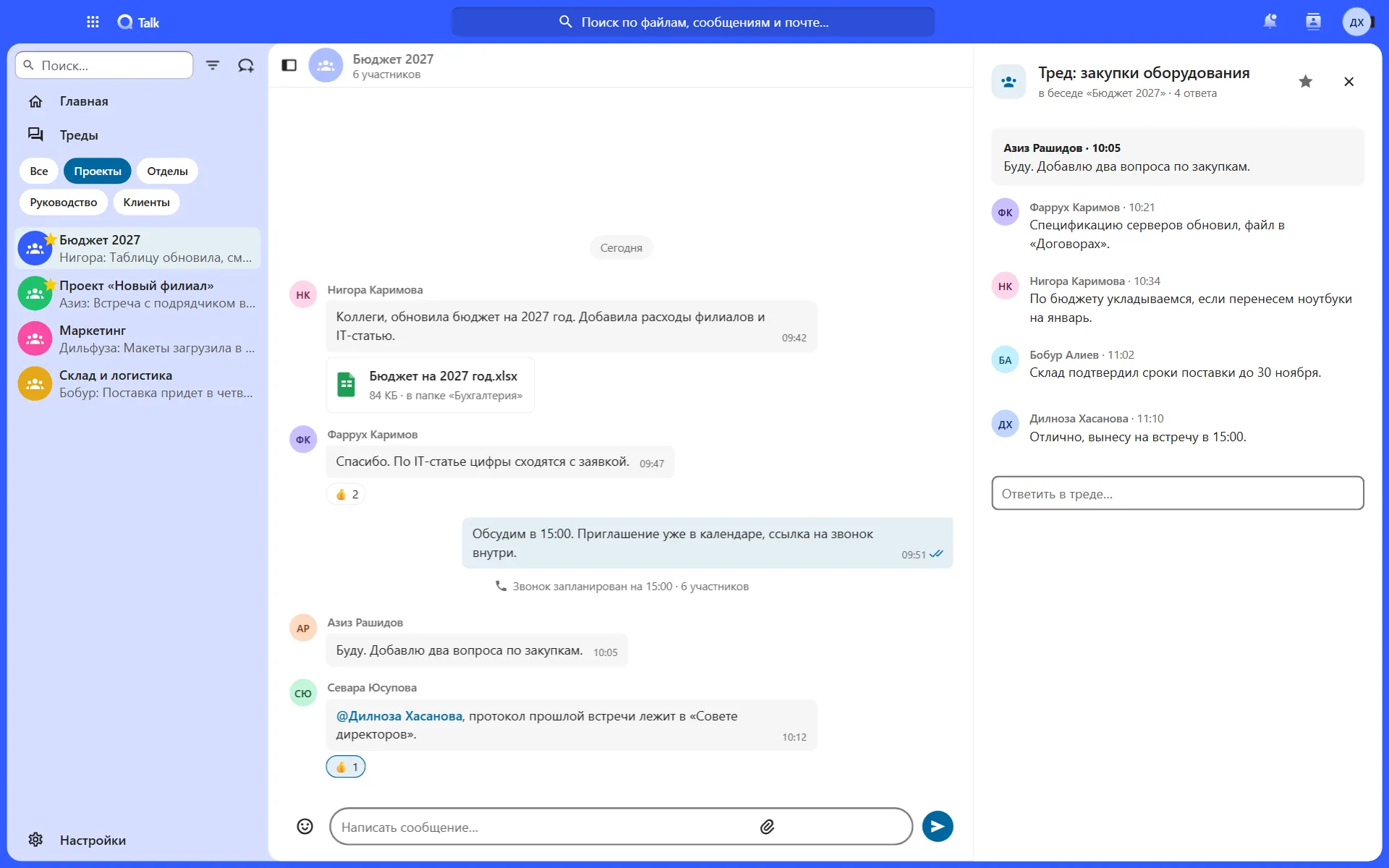
Channels and threads
By department and project, with labels like folders
-
Video meetings
From chat, the calendar or any Hub module
-
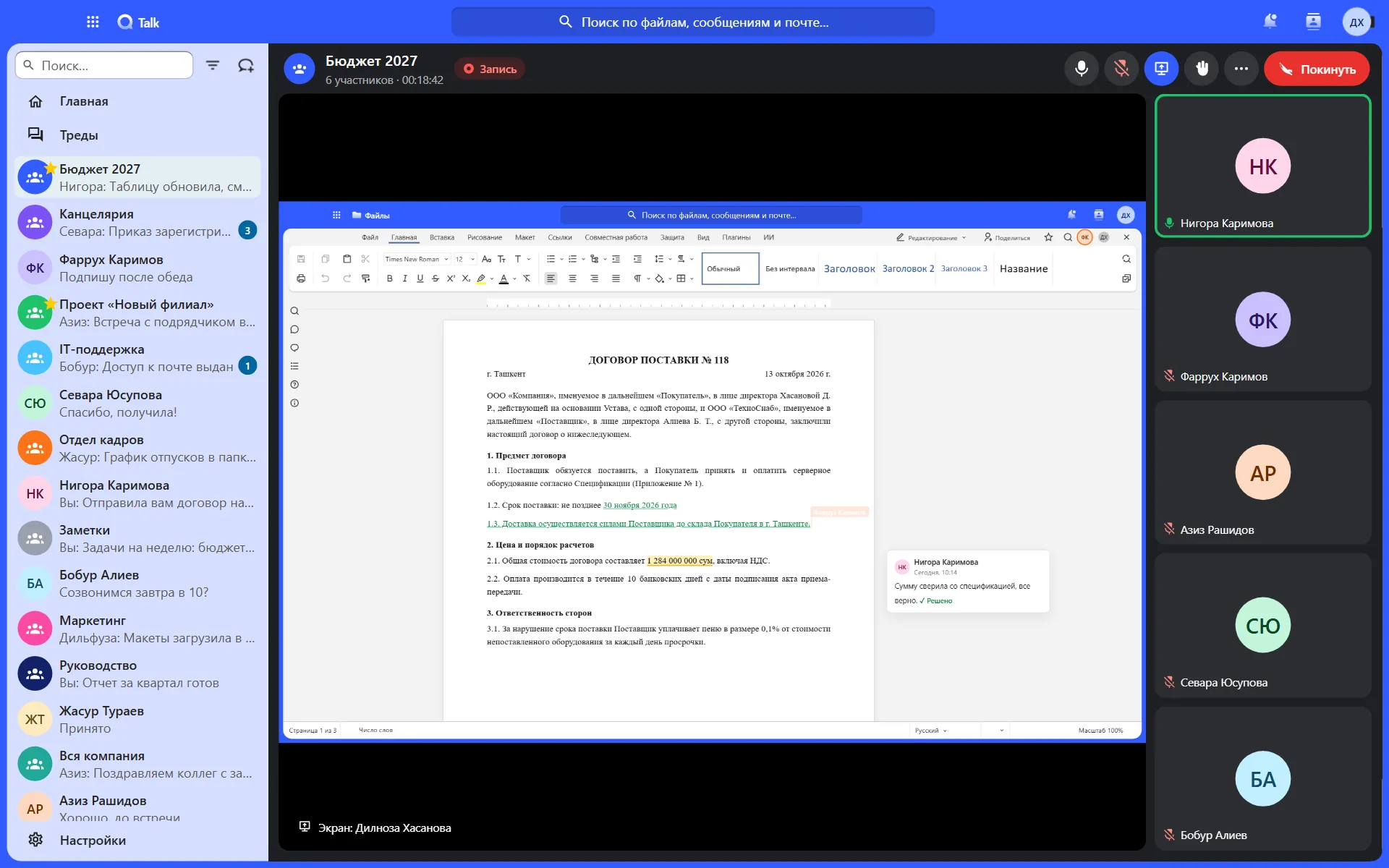
Recording and screen
Screen sharing and call recording
-
Webinars
A waiting room and permissions for each participant
-
Guests by link
Partners need no account and no app
-
AI minutesBeta
Decisions and assignments after the call
Take a closer look at Talk
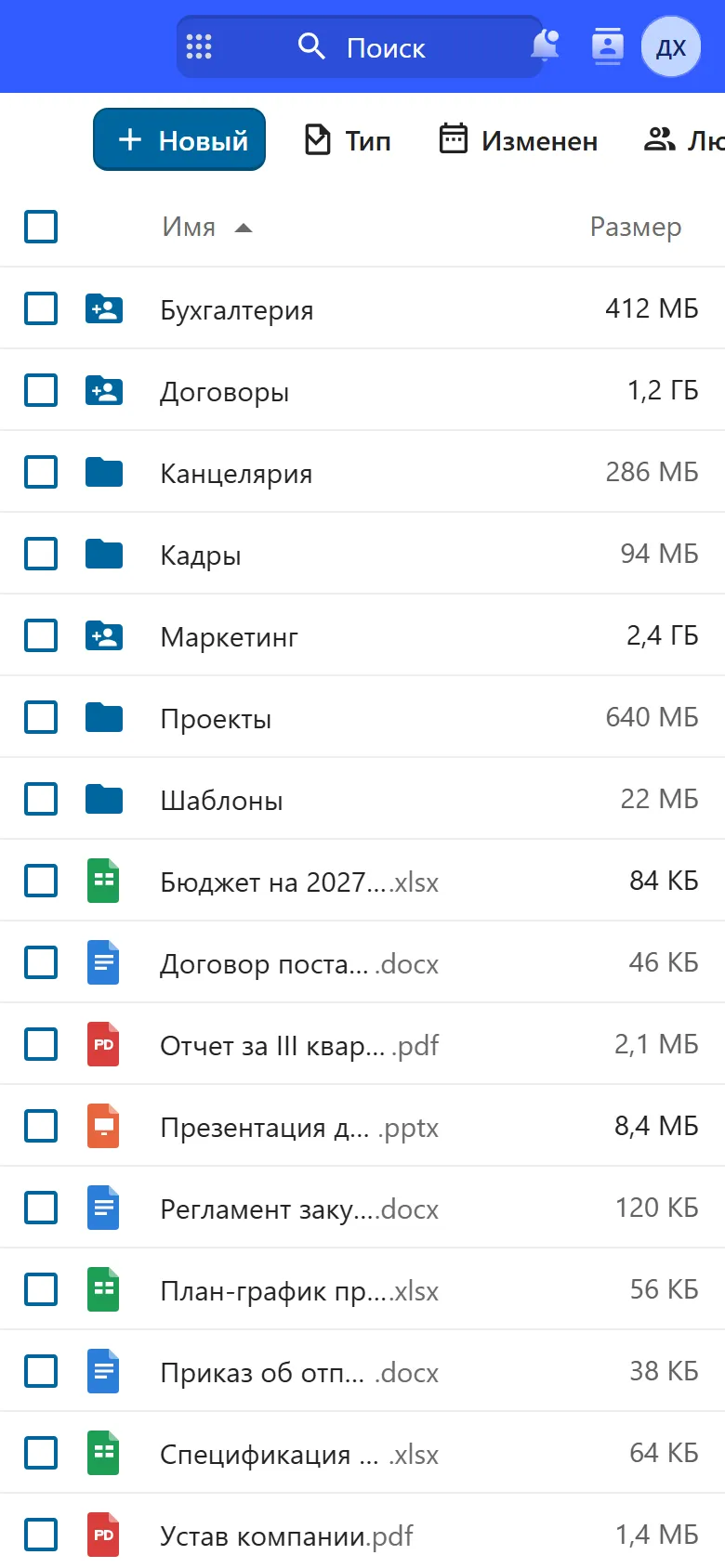
Real screens with sample data.
Who it is for
Banks
A message log and data kept in the country
Government bodies
Work conversations in a sovereign environment
Companies with several departments
Department channels, history from day one
Distributed teams
Meetings and minutes without manual transcription
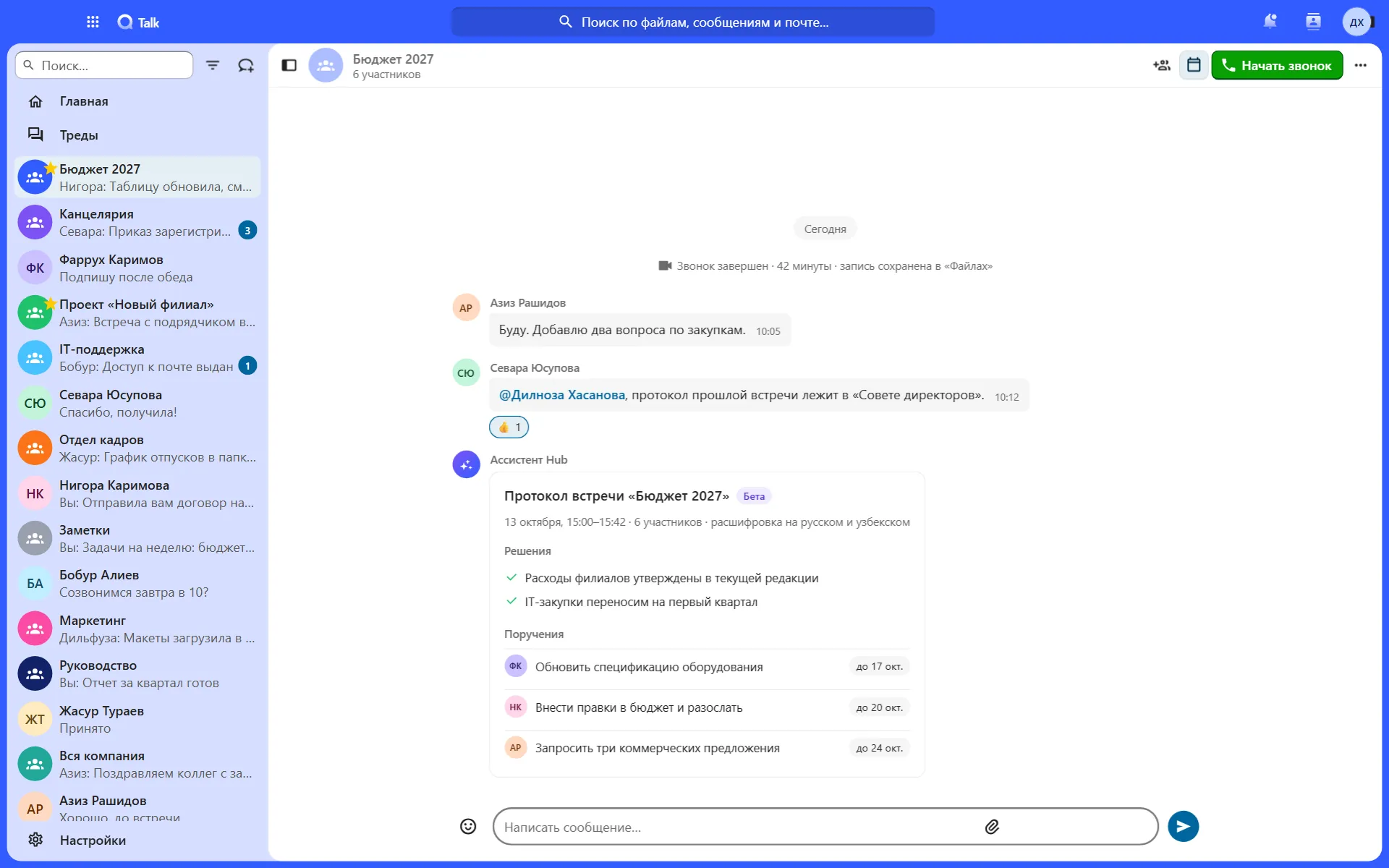
The minutes are ready while you close the call
AI transcribes speech in Uzbek, Russian and English. The feature is in beta and free for now.
Minutes: Budget 2027
13 October, 15:00–15:42 · 6 participants
Decisions
- Branch expenses approved as currently drafted
- IT purchases move to the first quarter
Assignments
- FKUpdate the equipment specification17 Oct
- NKRevise the budget and circulate it20 Oct
- ARRequest three commercial quotes24 Oct
Example with sample data.
Your conversations always at hand
Hub works in a phone browser. There are iOS and Android apps for chat and files.
Works with the other modules
One sign-in, one set of permissions, shared files.
Price
UzCloud Talk
UZS 15,900
per user per month, excl. VAT · from 300 users
The whole UzCloud Hub
UZS 84,900
Talk, Files, Office, mail, calendar and password manager
Questions
Where are messages stored?
In our data centres in Uzbekistan. The administrator manages access and can close it for a departing employee in seconds.
How many participants can join a meeting?
It depends on how your environment is configured. We size it for your meetings and webinars during the demo.
Do AI minutes understand Uzbek?
Yes, along with Russian and English. The feature is in beta and free during this period.
Are there apps?
Yes, for iOS, Android, Windows and macOS. They are included in the plan.
Can we invite a partner to a call?
Yes, by link. The partner needs no account or app, and the meeting data stays with you.
Where are call recordings stored?
In your organisation’s Hub storage, next to your other documents.
Move your work conversations to Talk
We set up a demo environment: chat, calls and AI minutes with your team.