
Document approval that follows your rules
A document moves along its route on its own. Lawyers, finance and the head edit one text, and the final version is what gets signed.
Included in the UzCloud Flow subscription: UZS 69,900 per user per month
A route that follows your rules
Switch the route type: sequential, parallel, conditional or with substitution. We set up the scheme for your document types.
Each approver receives the document once the previous one has finished.
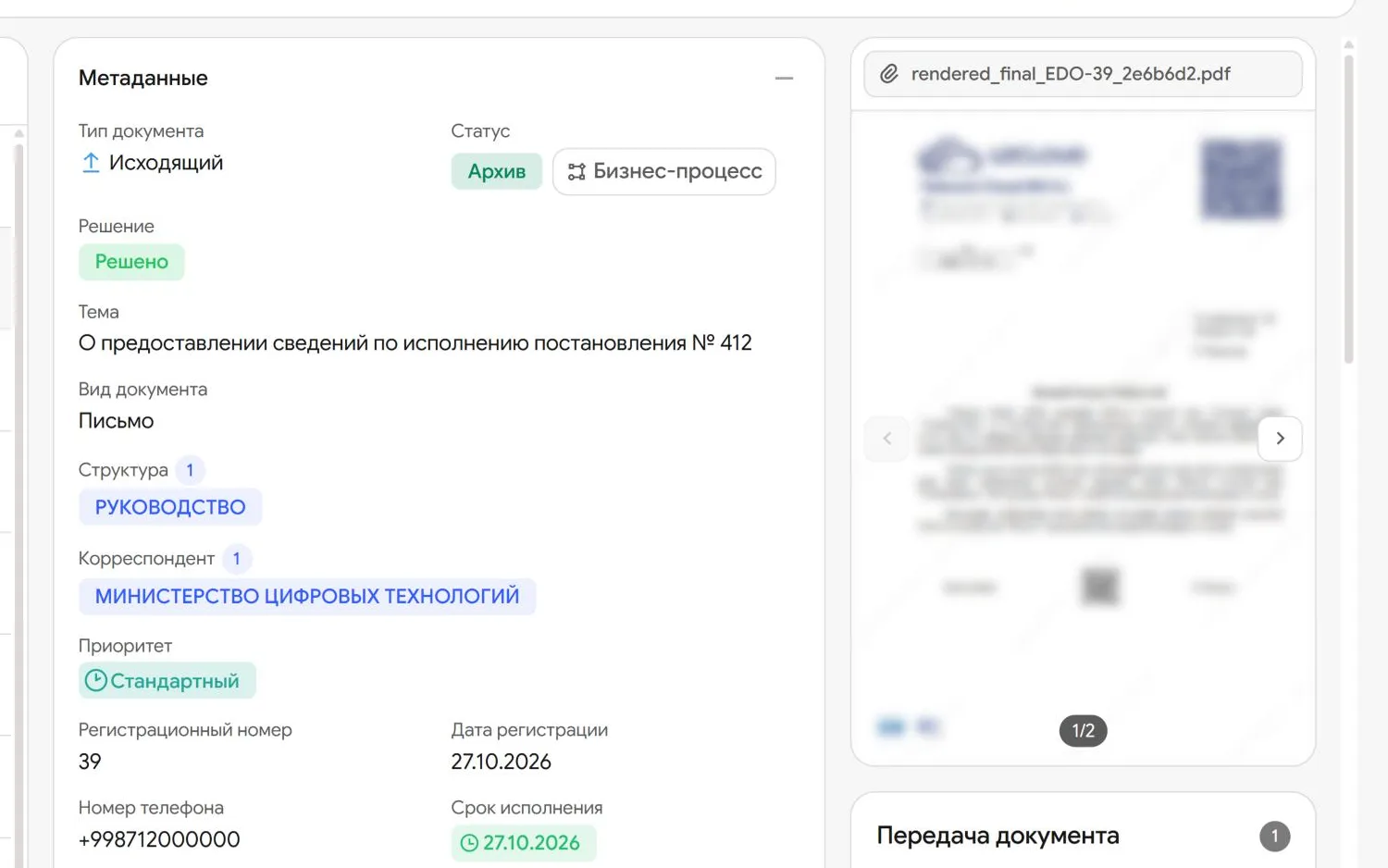
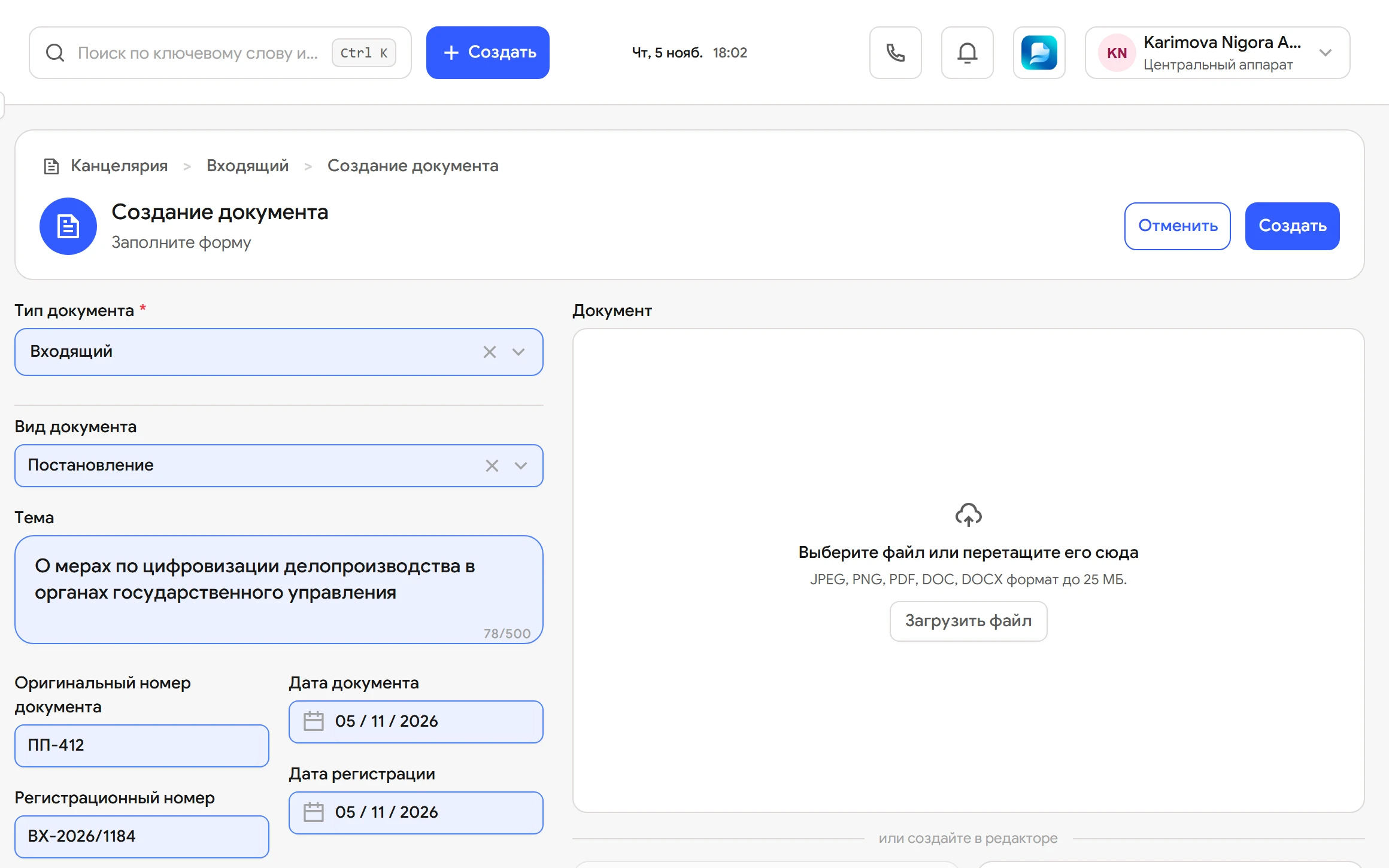
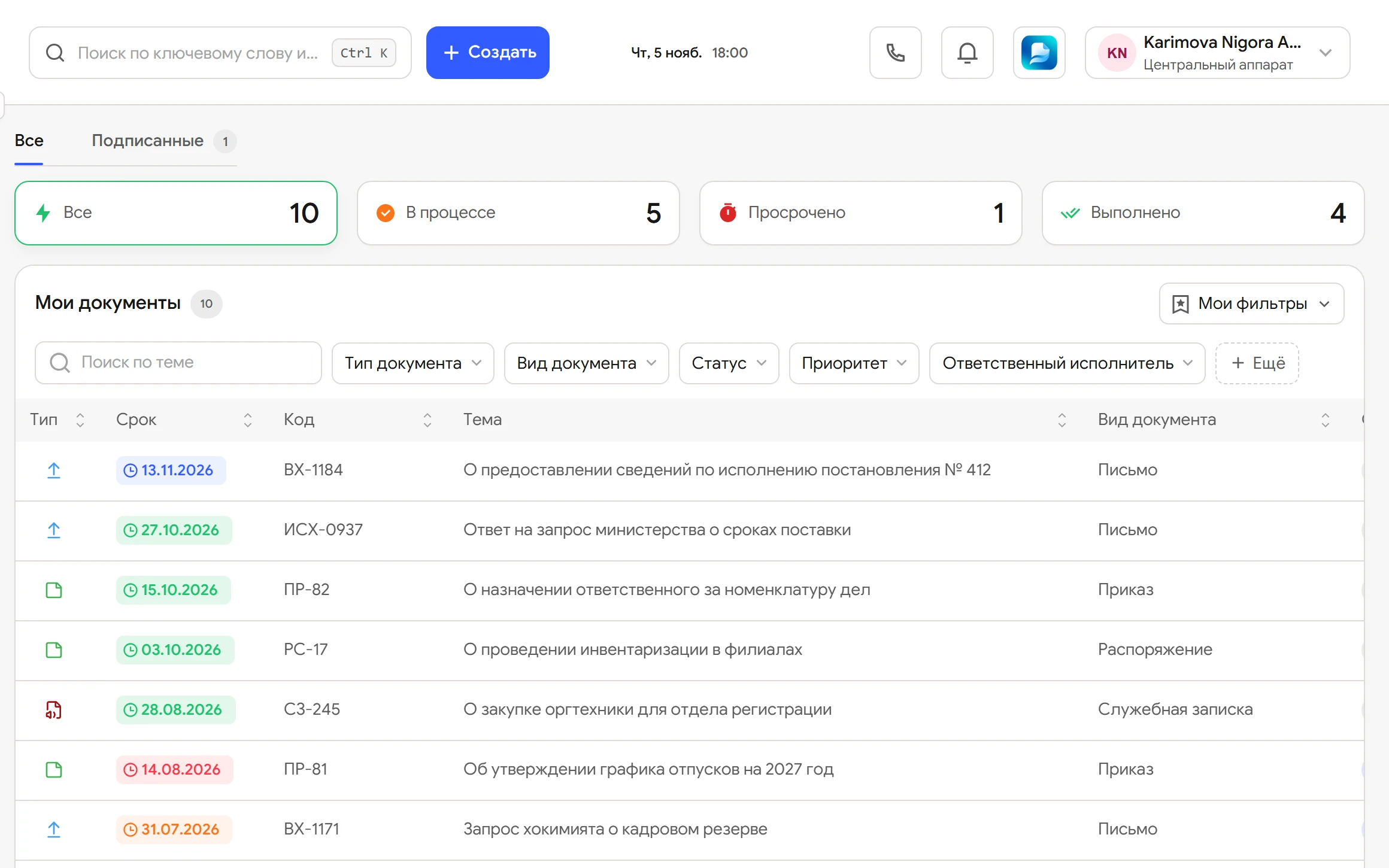
How an outgoing letter goes
The path of a letter from draft to dispatch. Buttons and statuses are the same as in the Flow interface.
-
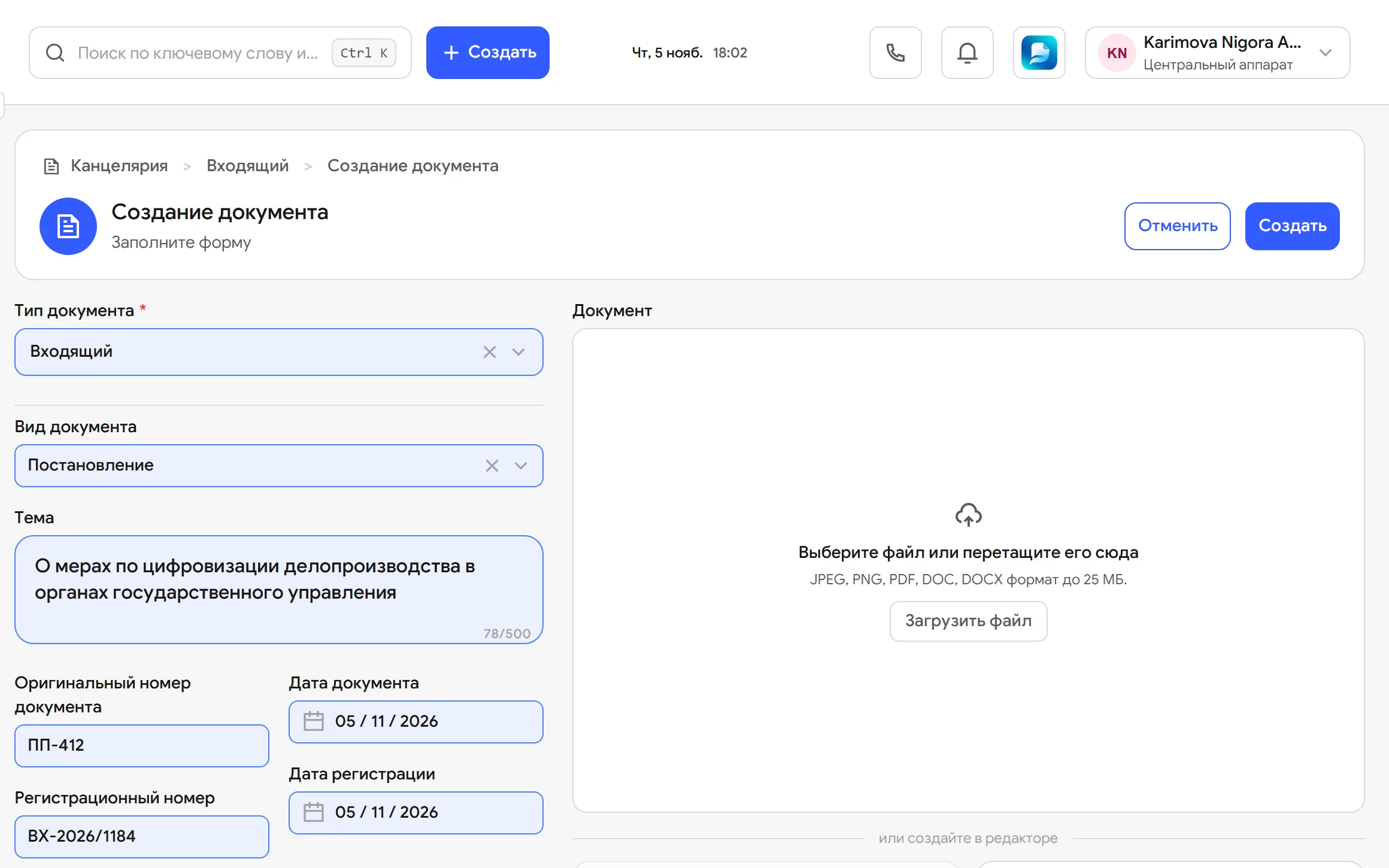
Creates the letter and picks a route
A classic route with approval or a quick one without it. For the classic route they choose sequential or parallel. The text is typed on the letterhead right in Flow.
-
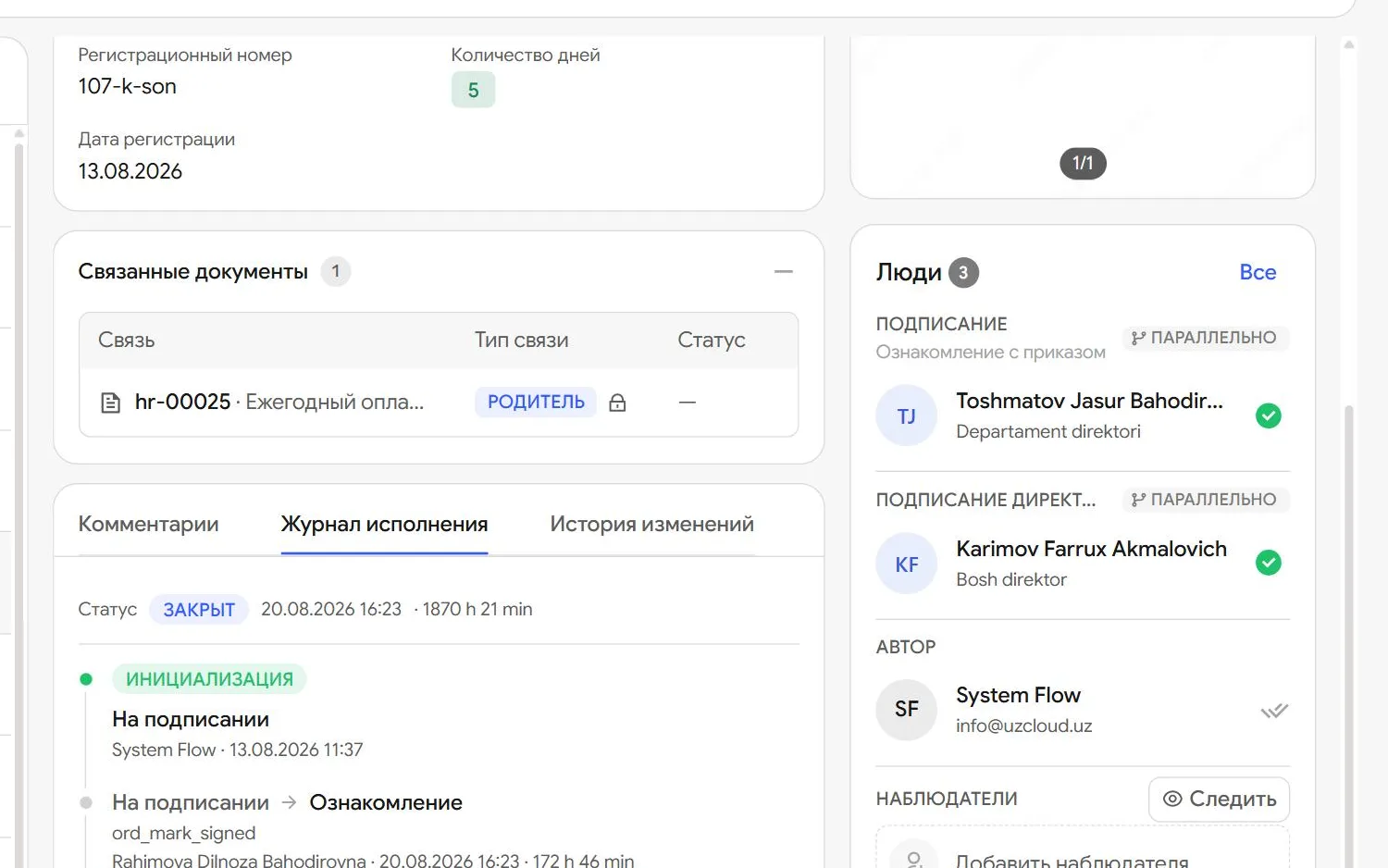
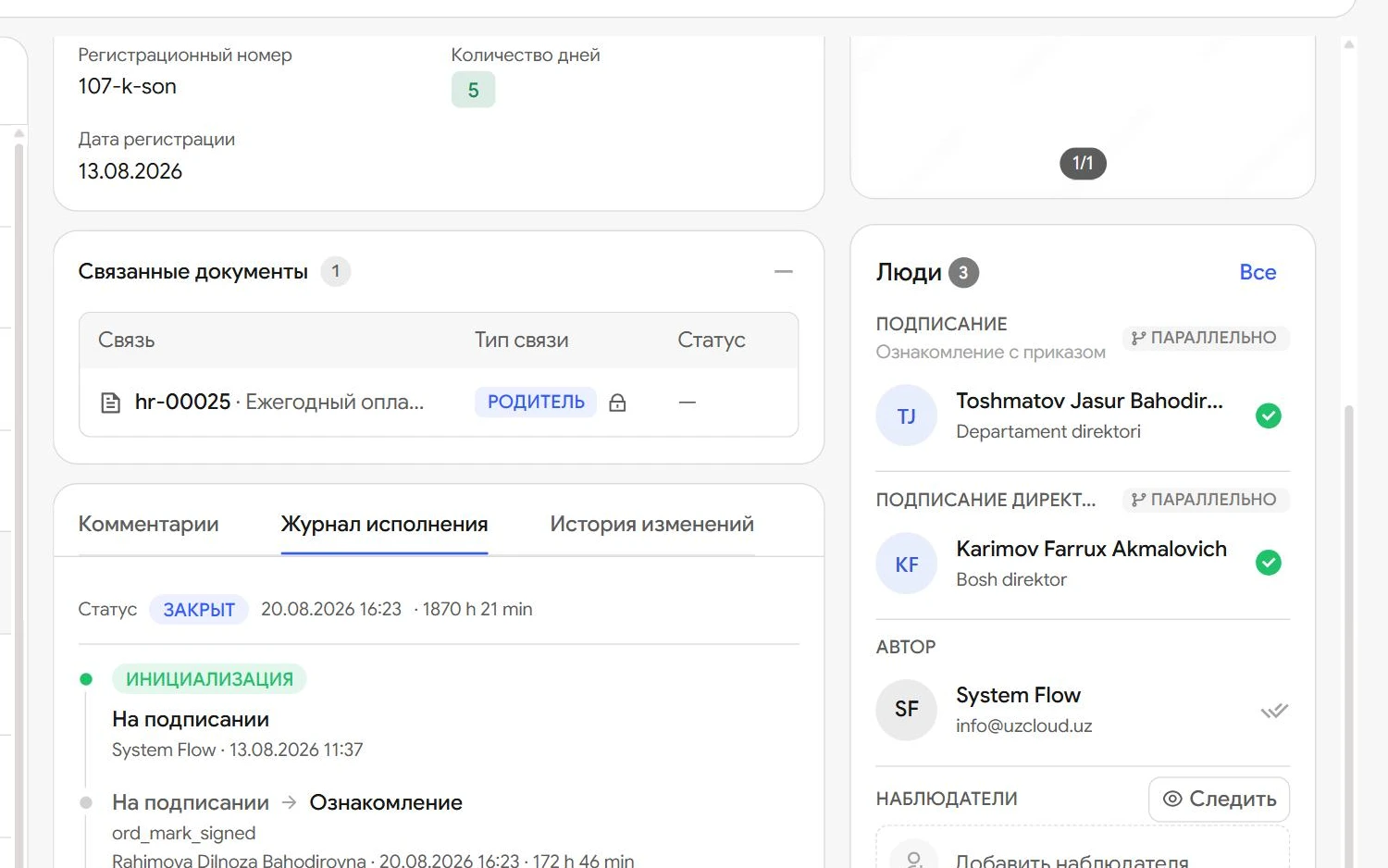
Assigns the approvers
Heads of the departments in the Structure field get the document automatically. In sequential approval the next person sees the letter when their turn comes.
-
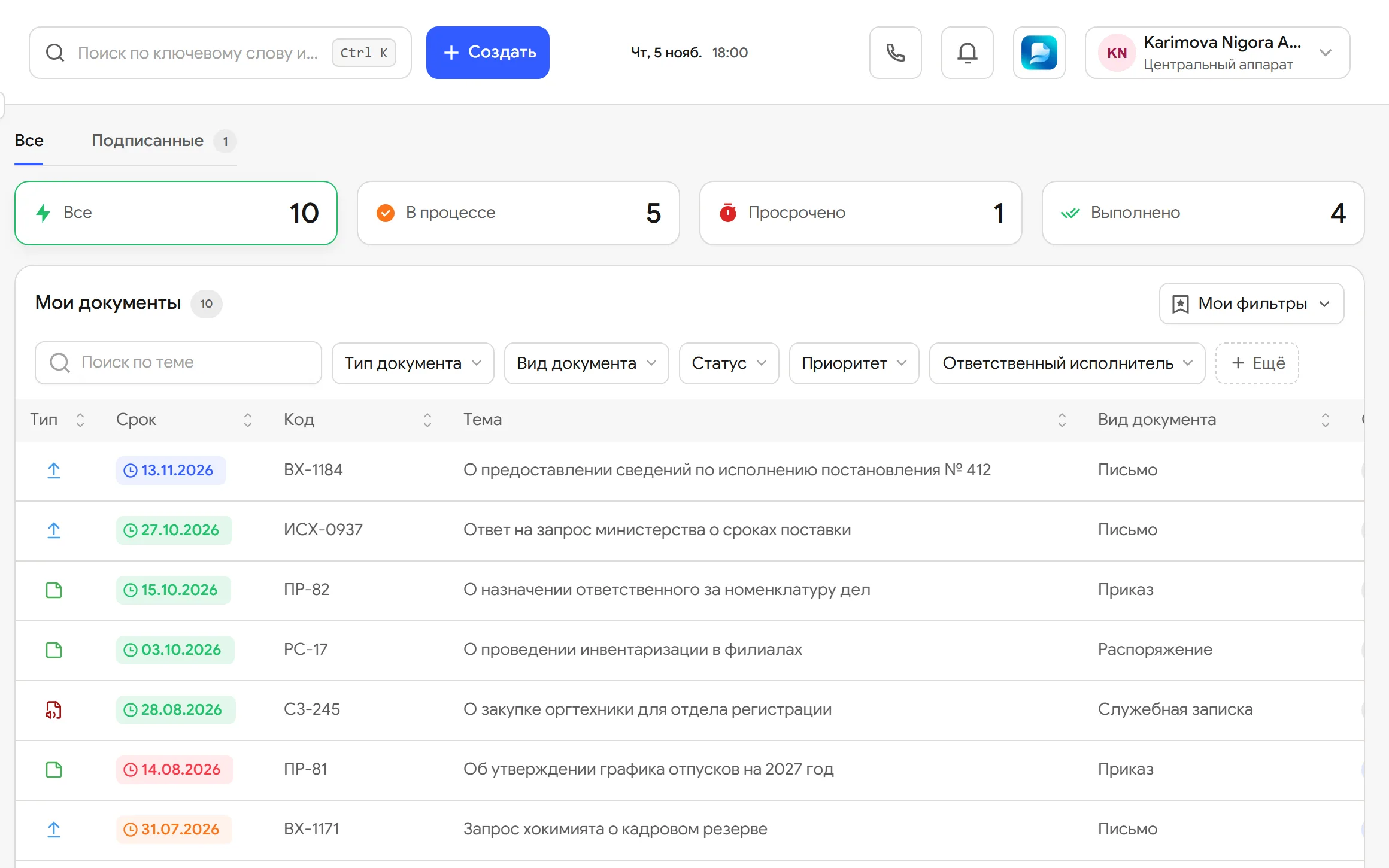
Approve or reject
Edits go into the same text. Reject requires a comment, and the author sees the reason on the card. If an approver is on leave, the task goes to their deputy.
-
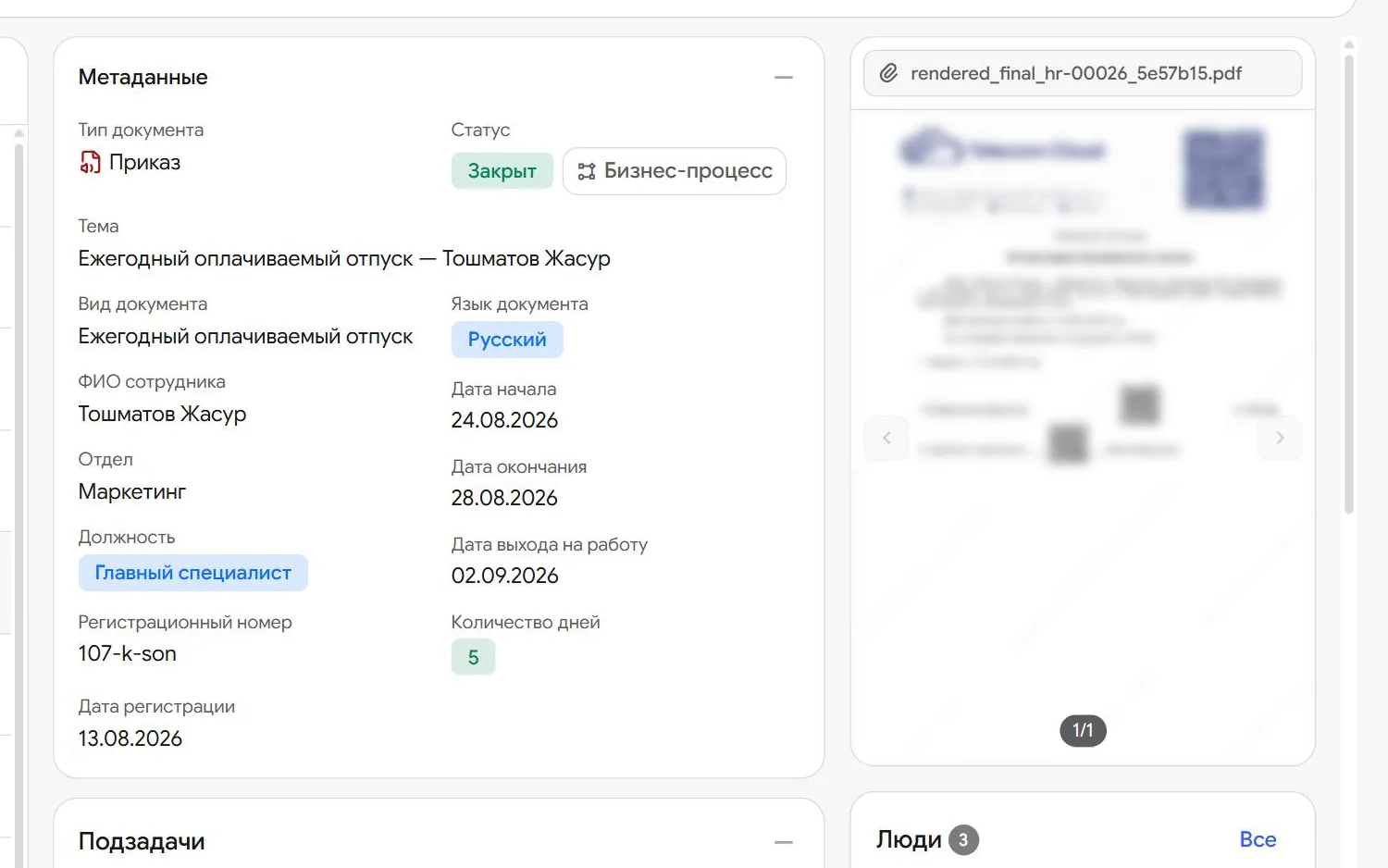
Locks the final version
The agreed text becomes a PDF and can no longer be changed. What gets signed is exactly what was agreed.
-
Register and sign
The records office assigns a number and the head signs with E-IMZO in the browser or on a phone.


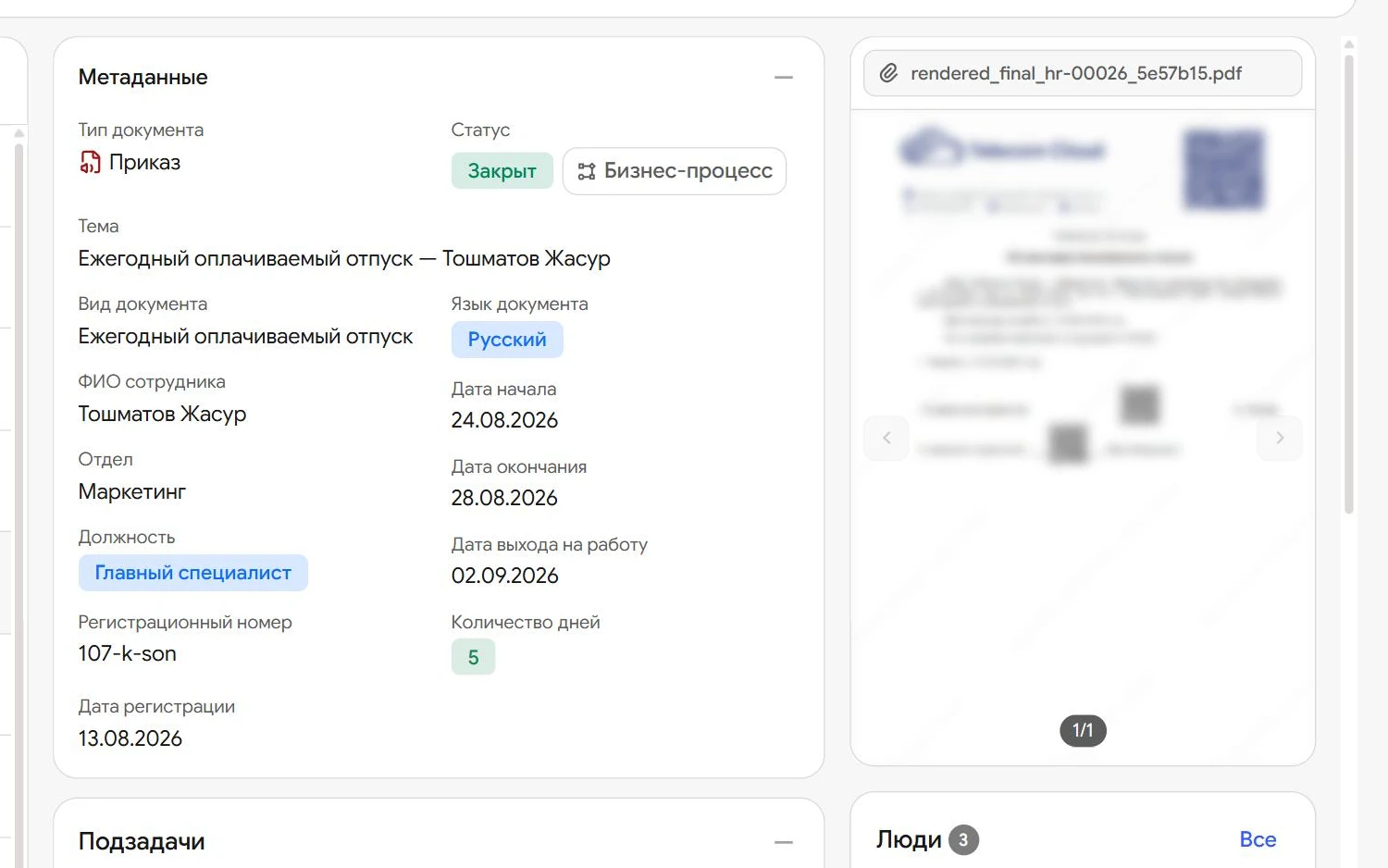
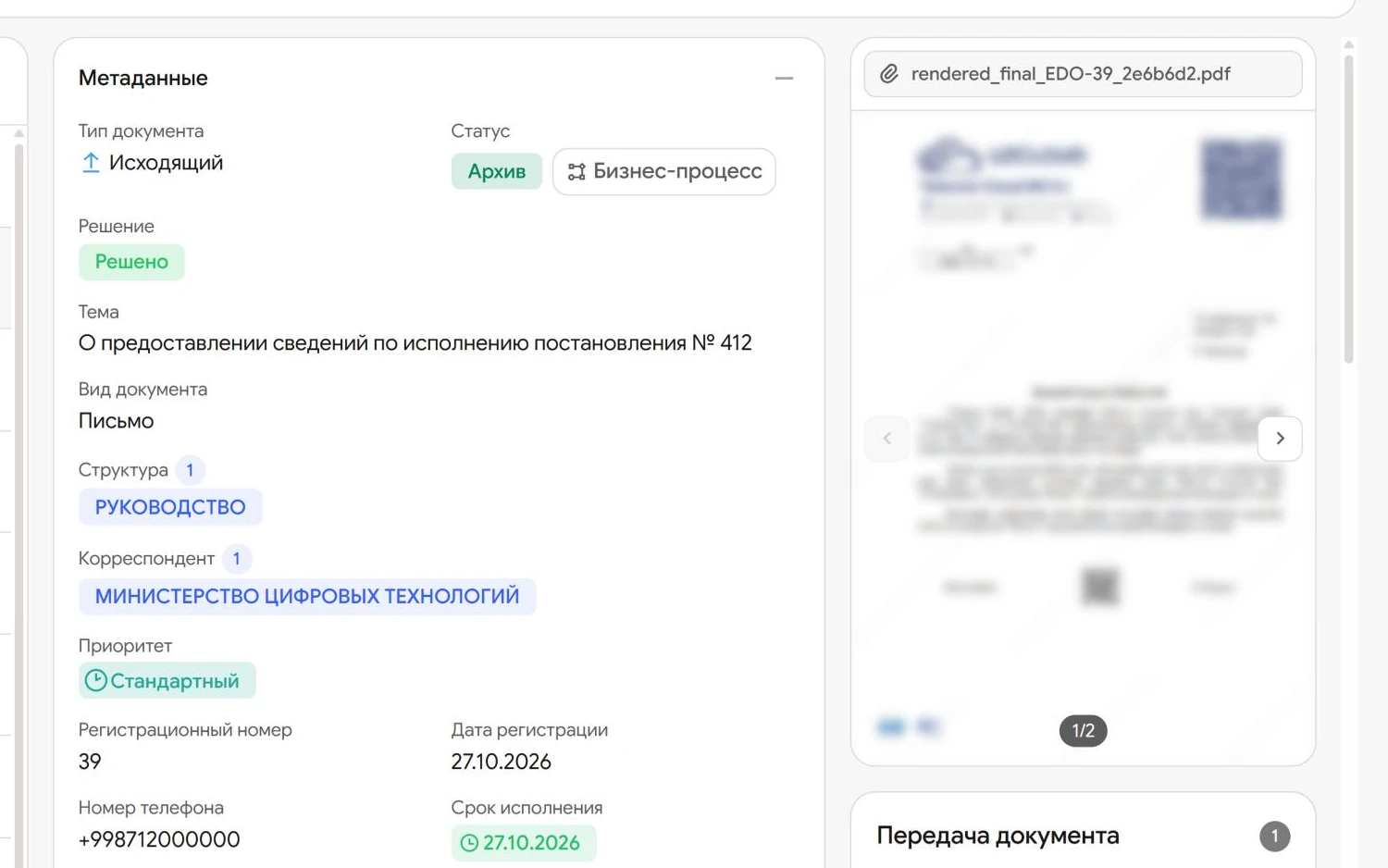
Edits in one text, one signature
Lawyers and finance edit a shared text, and the head signs the agreed version with E-IMZO.
What is inside
-
Sequential or parallel
In a sequential route everyone gets the document in turn. In a parallel route all approvers work at the same time.
-
Conditional branch
The route mirrors your hierarchy. A separate branch opens when the document meets a condition, such as spending.
-
Quick route
For simple documents approval can be skipped and the document goes straight to signing.
-
Substitution during absence
The deputy is set on the employee card. While an approver is on leave, their tasks go to the deputy and the route keeps moving.
-
Edits in one text
The document editor is built into Flow. Everyone sees the current version, so nobody emails files around.
-
Signing the final version
After approval the text is locked for editing. The head signs it with E-IMZO in the browser or on a phone.
-
Rejection with a reason
An approver cannot reject a document silently: a comment is required and stays on the card.
-
Tamper-proof log
Who approved, rejected and signed the document, and when, is recorded in the log. Entries cannot be changed.
What each participant gets
-
Author
Sees which stage the document is at and who has it now, without phoning around.
-
Approver
Gets the document when their turn comes and edits the shared text, not a private copy.
-
Head
Signs the agreed version once, including from a phone on a business trip.
-
Records office
Registers the signed document and sends it to the addressee from the same card.
Questions
Who sets up the approval routes?
The UzCloud team. During the audit we go through your procedures and build routes for your document types, departments and roles.
Can approvers work at the same time rather than in turn?
Yes. When creating a document the author chooses sequential or parallel approval.
Can approval be skipped?
Yes. Simple documents can take the quick route and go straight to signing.
What happens if an approver is on leave?
The task goes automatically to the deputy set on the employee card, and the route continues. The full history stays on the document card.
Do we have to resend the file after every edit?
No. The text is edited in the editor inside Flow and everyone sees the current version. The agreed version is what goes for signature.
Can the text be changed after approval?
No. After approval the document becomes a PDF, and that exact text is what gets signed.
Is an E-IMZO signature in Flow legally binding?
Yes. Under the law of the Republic of Uzbekistan an E-IMZO signature is equivalent to a handwritten one. You can sign in the browser or on a phone.
Let us show you UzCloud Flow on your own documents
45 minutes online or at your office. No obligation.