
Mail, calendars and tasks on your own domain
Emails, shared calendars, contacts and task boards in one tab. Data is stored in Uzbekistan.
Part of the UzCloud Hub subscription: UZS 84,900 per user per month
What’s inside
-
Your domain
Addresses like name@company.uz; we set up DNS
-
Several and shared mailboxes
Personal, department and service mailboxes in one window
-
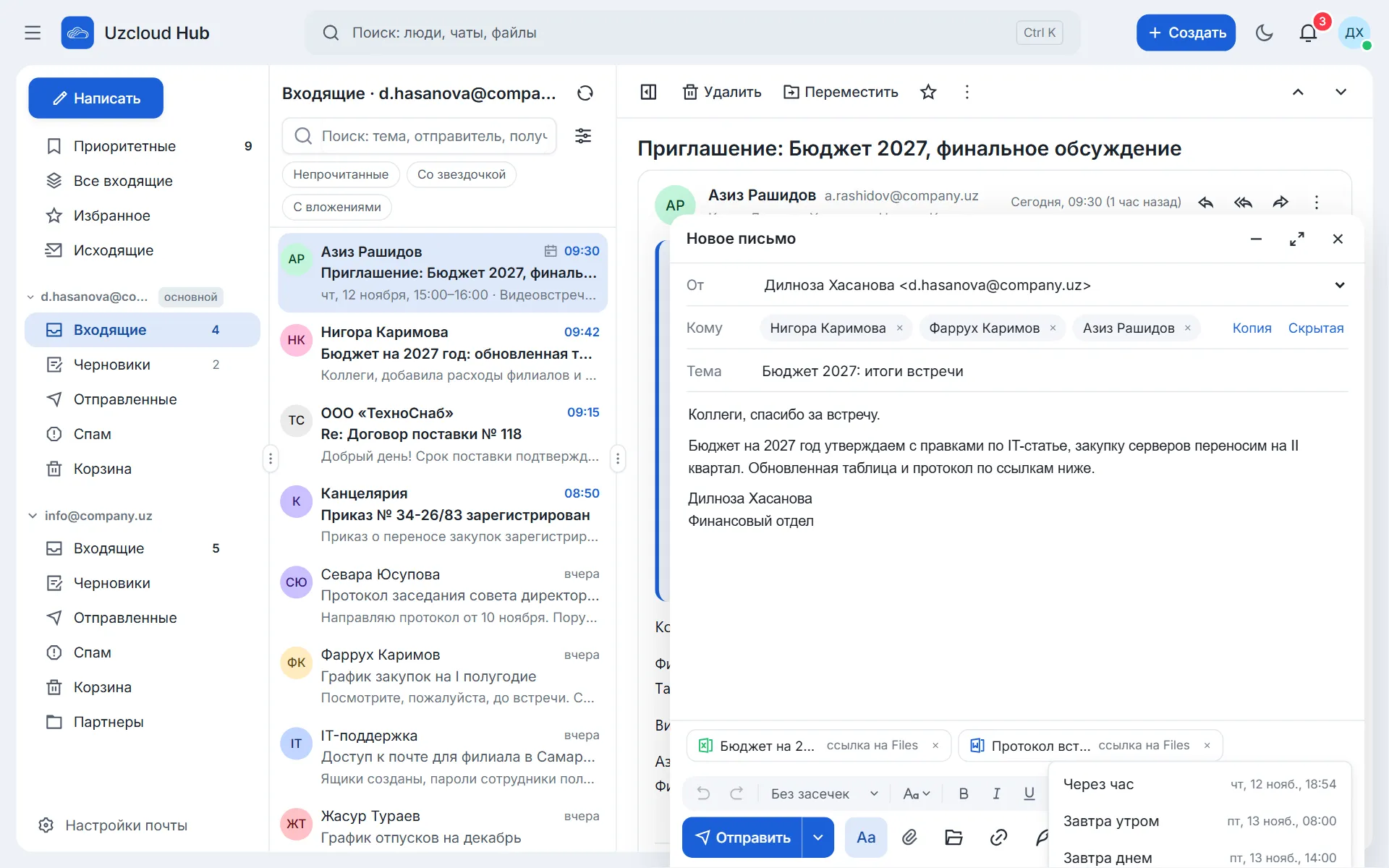
On behalf of the head
An assistant answers emails and keeps the calendar
-
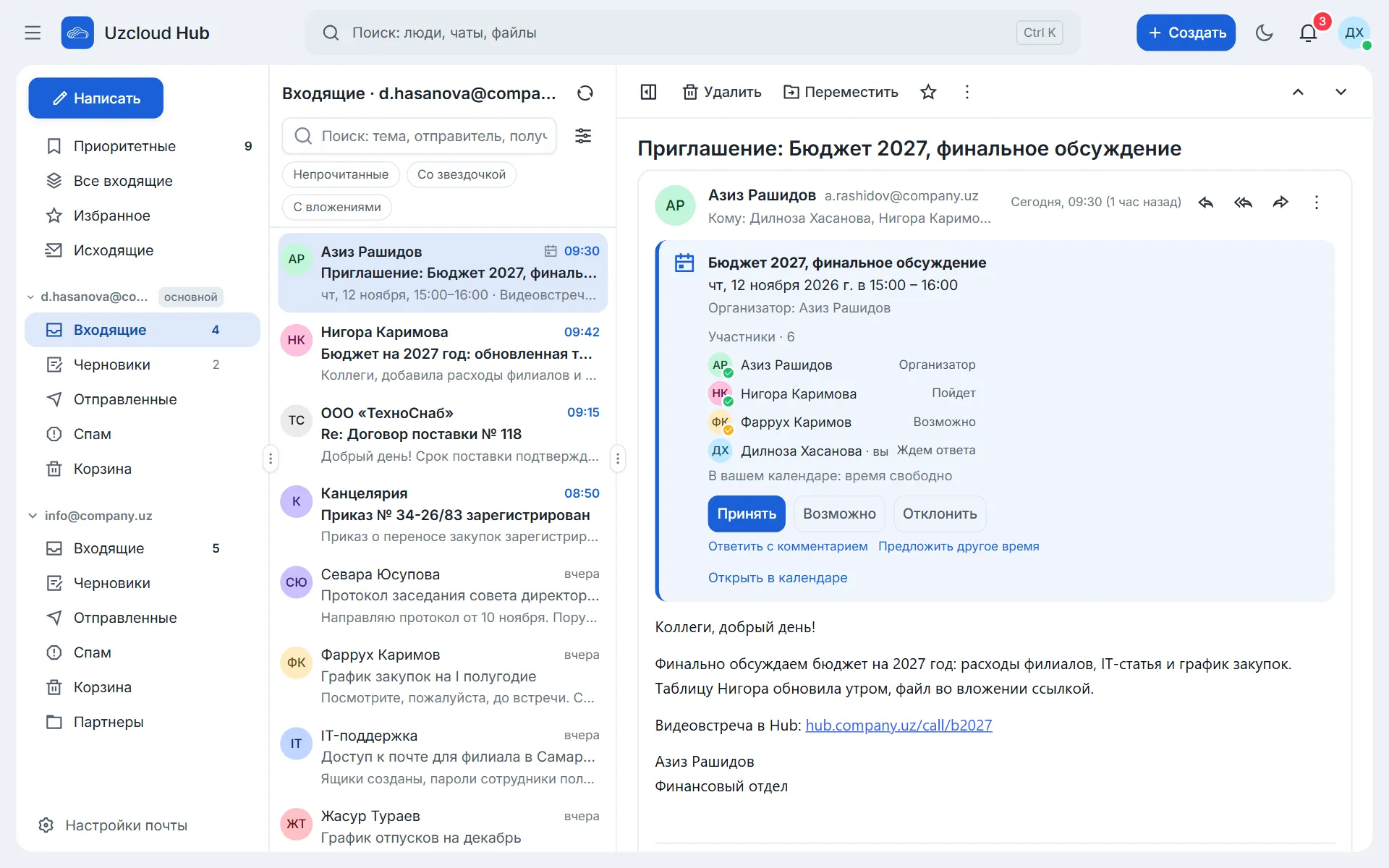
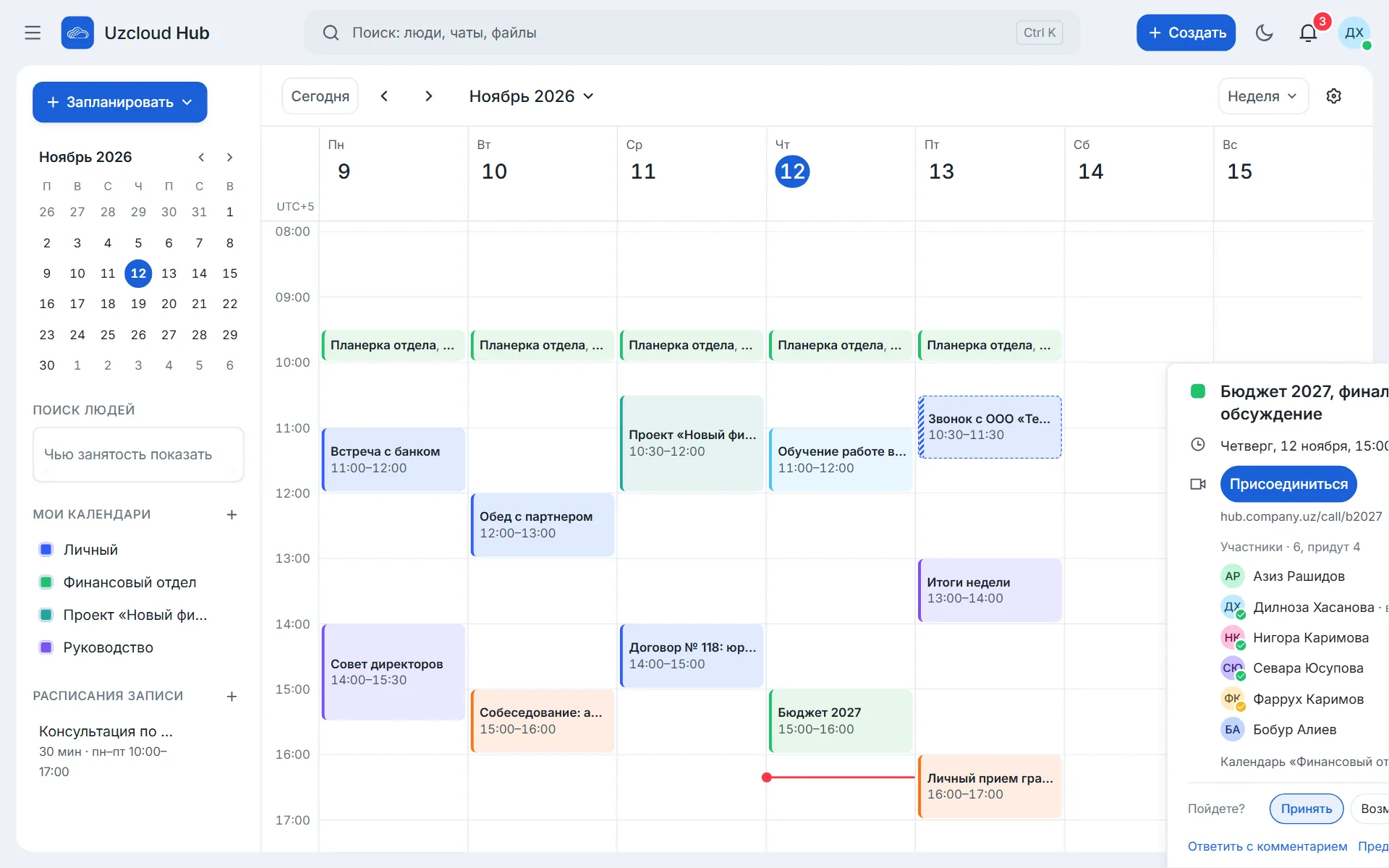
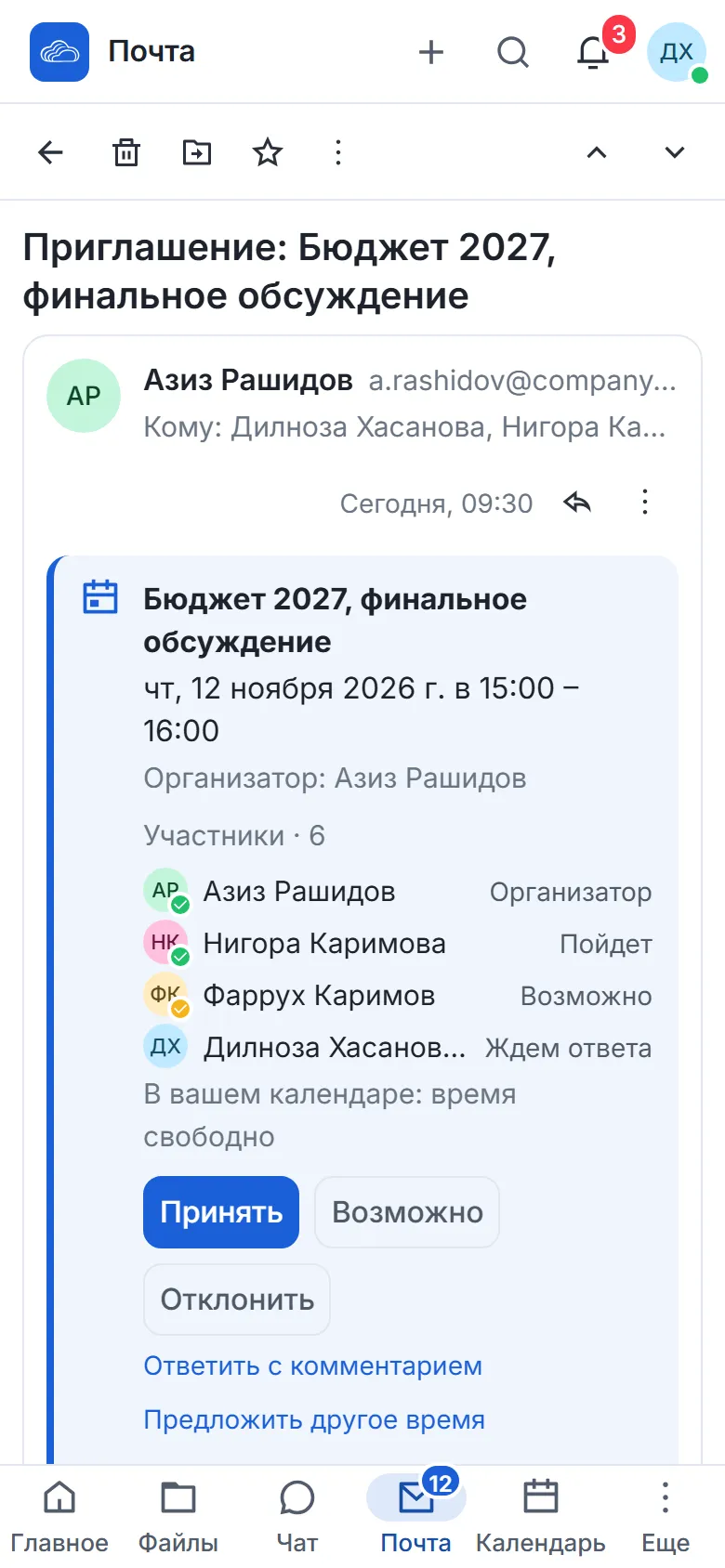
Invitations in the email
The event lands in the calendar; reply in one click
-
Find a time
Everyone’s availability in one grid
-
Booking by link
Clients pick a slot; the meeting room is created for them
-
Organisation contacts
Colleagues with job titles, departments and phone numbers
-
Tasks and boards
Assignments with deadlines and a Gantt chart
-
Scheduled sending
The email goes out at the right time
Take a closer look at mail and calendar
Who it is for
Reception and secretariat
The head’s mail and calendar, handled on their behalf
Service companies
Clients book a consultation by link
Companies on personal mailboxes
One domain instead of personal addresses
Project offices
Task boards with a Gantt chart, deadlines in the calendar
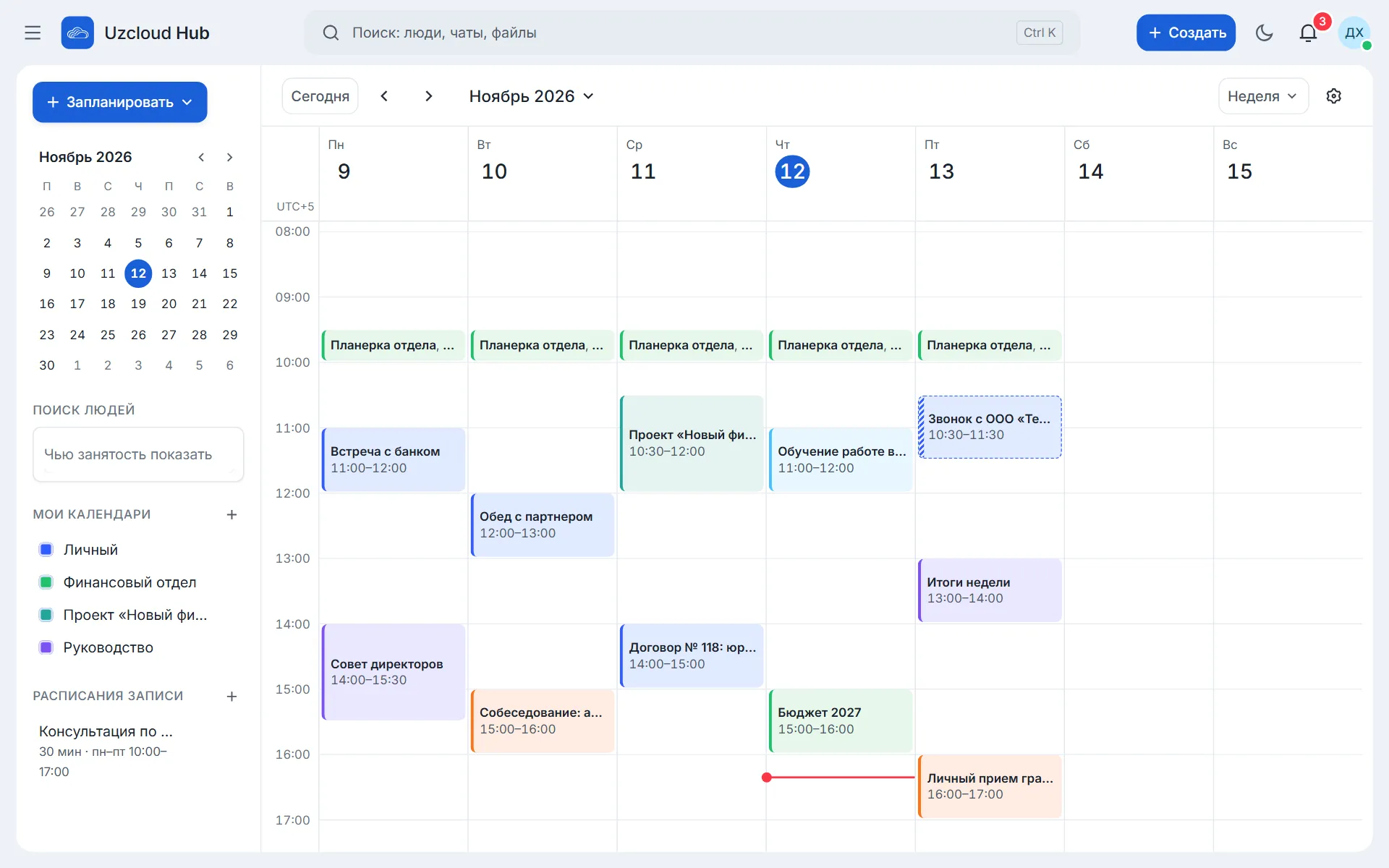
Team calendar
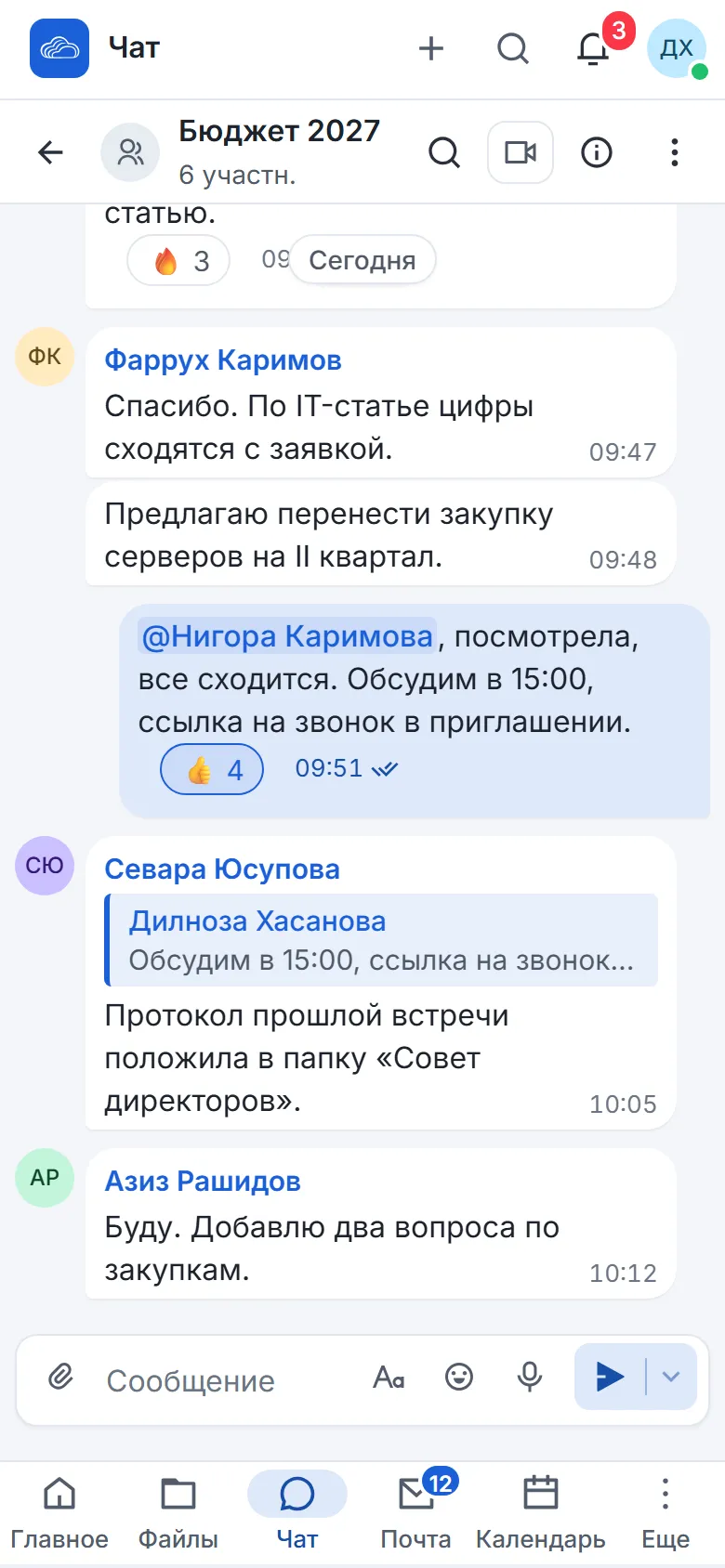
A meeting with a call link in a few seconds.
A time that suits everyone, at a glance
Add participants and the calendar shows the free slots.
Find a time · Wednesday, 14 October
5 participants
Mail and calendar on your phone
There is a calendar app for iOS and Android; mail opens in the phone browser.
Works with the other modules
One sign-in, one set of permissions, shared files.
Questions
Can we keep our domain?
Yes. We set up DNS, MX records and certificates during implementation.
How do we move mail from our current service?
We move emails, folders, contacts and calendar events. You can start with a two-week demo environment for 10–15 staff.
Can we accept invitations from other services?
Yes. You accept an invitation from an email in one click, the event appears in the calendar and the reply goes to the organiser.
What happens when an employee leaves?
Access to mail, calendar and files closes at once, and the mailbox stays with the organisation.
Can we run a shared department mailbox?
Yes. A shared mailbox connects in the same window, and an assistant can reply on behalf of the head.
How does Find a time work?
Add participants and the calendar shows everyone’s availability in one grid. Pick a free slot and the meeting is created.
Can we use our usual email program?
Yes. Mail connects to desktop email programs over IMAP.
How do task boards work?
Columns, cards, owners and deadlines, with a Gantt chart for each project. Cards hold files from Files, and deadlines show up in the calendar.
We show mail and calendar in 30 minutes
A meeting from an email, Find a time and the head’s calendar, on your own example. We work out the move from your current mail.